
Coding in Thematic Analysis: 5 Proven Steps to Find Themes
Thematic coding is one of the core skills you'll need to apply many of the 12 proven qualitative data analysis methods—it's the process of labeling segments of data so patterns and themes can emerge across your dataset. Done well, thematic coding transforms messy interview transcripts or open-ended responses into structured, shareable insights your team can actually act on. This practical guide shows you exactly how to approach coding, from your first pass through the data to building a codebook that holds up under scrutiny.
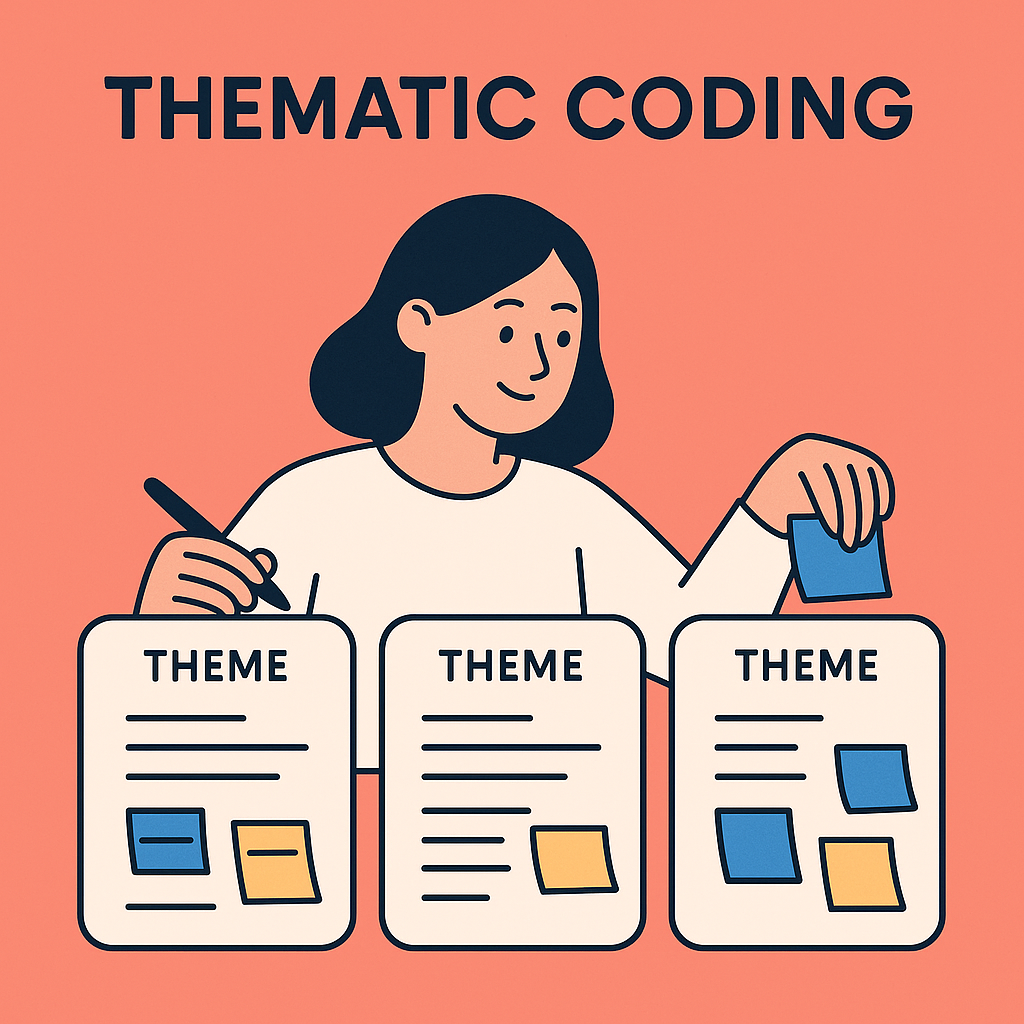
If you’ve ever felt overwhelmed trying to extract meaning from qualitative data, you’re not alone. In this guide, I’ll break down what thematic coding is, how to do it well, and how to avoid common mistakes—whether you’re working in research, product, UX, or marketing.
What is Thematic Coding?
Thematic coding (also called thematic analysis) is the process of labeling and organizing qualitative data into themes—recurring topics, ideas, or concepts that help you understand what’s really going on beneath the surface. Think of it like clustering quotes or observations into buckets that answer your core research question.
For example, imagine running interviews with users of a meditation app. You might start to notice recurring mentions of:
- “Notifications being annoying”
- “Feeling guilty for missing a day”
- “Wishing sessions were shorter”
Each of these can become a code. Over time, similar codes get grouped into broader themes, like “friction in daily routines” or “emotional triggers and barriers to habit formation.”
Why Thematic Coding Matters
Without thematic coding, it’s easy to fall into the trap of cherry-picking quotes that “sound good” or reinforce your assumptions. But that approach rarely leads to deep insights or confident decisions.
Well-executed coding allows you to:
- Synthesize messy, unstructured data
- Discover patterns you didn’t expect
- Build compelling narratives backed by evidence
- Communicate insights across teams
In one recent project for a fintech startup, our team analyzed hundreds of user feedback snippets. By coding them systematically, we uncovered a major emotional blocker—fear of making the “wrong” financial decision—that was buried beneath surface-level usability complaints. This insight directly shaped their onboarding experience and content tone.
Step-by-Step: How to Do Thematic Coding (The Real-World Way)
Thematic coding isn’t just about organizing words—it’s about distilling meaning from raw, messy human expression. Whether you’re a solo researcher or part of a larger insights team, this step-by-step approach will help you go from chaos to clarity without losing the nuance that matters.
🧹 Step 1: Prepare Your Data
Before you dive into coding, set yourself up for success:
- Transcribe interviews or export survey responses in a format that’s easy to scan and annotate (CSV, Word, Notion, etc.)
- Remove identifying information to maintain confidentiality
- Correct obvious typos or formatting issues that might interfere with keyword detection
- Split long paragraphs into shorter, speaker-tagged chunks for easier handling
💡 Pro Tip:
In one health research project, I skipped cleanup to save time. Big mistake. Inconsistent formatting led to missed codes and confusing rework. Clean data = clean insights.
🛠 Tool Support:
Use tools like Otter, Descript, or UserCall (with AI transcription), but always double-check output—especially for jargon, accents, or overlapping voices.
👀 Step 2: Familiarize Yourself With the Data
Before you label anything, get to know your data.
- Read or listen to your entire dataset at least once without coding
- Highlight sections that stand out emotionally, get repeated, or directly relate to your research goal
- Jot down early observations and hunches in a research memo or “thinking journal”
🧠 Why this matters:
You’re training your brain to see patterns. Skipping this step is like trying to write a book report without reading the book.
🏷 Step 3: Generate Initial Codes
Now it’s time to start labeling:
- Go line-by-line or phrase-by-phrase
- Use short, descriptive labels (2–5 words max) that capture the meaning behind the words
- Code semantically, not just literally
✅ Examples:
"I stopped using the app because I felt overwhelmed."
→ Codes: emotional overload, feature fatigue
"I liked that I could get started right away."
→ Codes: quick start, low entry barrier
It’s okay to apply multiple codes to a single excerpt. You’ll refine later.
🧩 Step 4: Group Codes into Candidate Themes
After coding 20–30% of your data, zoom out:
- Cluster similar codes into logical buckets
- Use sticky notes, a digital whiteboard (Miro, FigJam), or even spreadsheets
- Look for broader narratives or root causes—not just repeated terms
🧷 Example:
Codes:
- “Too many pop-ups”
- “Felt like I was being nagged”
- “Wish I could disable alerts”
→ Theme: Notification fatigue
Codes:
- “Didn’t know what to do next”
- “Felt a bit lost in the interface”
→ Theme: Onboarding confusion
Aim for 4–8 rich, distinct themes—not 20 surface-level ones.
🔍 Step 5: Review, Refine, and Validate Themes
Now tighten things up:
- Revisit your raw data and themes
- Merge overlapping themes
- Rename vague ones (e.g., change “feedback” to “negative perception of support team”)
- Ask:
- Do these themes help answer our research question?
- Can I explain each one to a stakeholder in 1–2 sentences?
🤝 Optional:
Have a teammate or stakeholder validate your themes to reduce personal bias and improve clarity.
🧾 Step 6: Summarize With Evidence
Time to translate your analysis into insights:
- Describe each theme clearly in 1–2 sentences
- Support each with 2–3 compelling quotes or examples
- Indicate how often each theme appeared (e.g., “seen in 16 of 22 participants”)
📊 Optional Enhancements:
- Create a theme map to show relationships
- Use visuals (e.g., bar charts, Sankey diagrams) to communicate prevalence and connections
- Build a narrative arc from these themes in your final report or deck
📝 Example Output:
Theme: Lack of Confidence in First Use
Summary: Many users hesitated to engage deeply with the product due to uncertainty about their ability to use it “right.”
Quotes:
- “I didn’t want to mess anything up, so I just clicked around.”
- “It looked cool but felt intimidating at first glance.”
Final Thought: Don’t Just Organize—Make Meaning
Coding isn’t about labeling text. It’s about listening closely, making meaning, and drawing lines between what people say and what you should do.
Helpful Tools (Optional but Powerful)
- Manual: Google Sheets, Notion, or Excel
- Coding software: Atlas.ti, NVivo, Dovetail
- AI tools: UserCall (for AI automated coding & thematic analysis)
If you're tight on time or resources, tools like UserCall can accelerate this process by automatically grouping voice or text responses into initial themes—while you refine and validate them. Think of it as co-piloting, not replacing, your analysis.
Common Mistakes to Avoid
✅ Coding too literally
If someone says “It was annoying to register,” don’t just code it as “registration.” Dig into the underlying sentiment: frustration, confusion, unmet expectations.
✅ Over-coding
You don’t need 100 codes for 100 responses. Focus on the codes that truly help you answer your research question.
✅ Ignoring contradictions
Conflicting feedback is not a problem—it’s a signal of different personas, contexts, or unmet needs. Explore them.
✅ Forgetting the “so what?”
Always ask: What decision will this theme inform? If a theme feels interesting but useless, it might be a rabbit hole.
✅ Ignoring your own bias
Every coder brings assumptions into the room. Keep a short reflexive memo noting where your own interpretation might be shaping the codes you're seeing — see our Braun & Clarke reflexive thematic analysis guide for how to build this into your process.
Real-World Anecdote: When Themes Changed the Roadmap
In a study for a language learning platform, early thematic analysis surfaced lots of “I forgot” comments from churned users. At first, the team interpreted it as a need for reminders. But digging deeper, the coded themes pointed to “low perceived progress”—users didn’t feel like they were improving, so they stopped caring.
The fix? A redesigned dashboard that made micro-progress more visible. Retention improved 12% in the next quarter.
Conclusion: Code to Understand, Not Just Categorize
Thematic coding isn’t just a method—it’s a mindset. You’re not tagging text for the sake of it. You’re listening closely, labeling thoughtfully, and building a bridge between voices and action.
Whether you’re analyzing five interviews or five thousand survey responses, this approach will help you get from noise to narrative, faster and with more confidence.
Want to save time on coding and scale your qualitative research? Check out UserCall—our AI-moderated voice interview platform that turns conversations into thematic insights, automatically.
Thematic coding is just one piece of the qualitative analysis puzzle—explore the full range of qualitative data analysis methods to see which combination works best for your research. Want to cut the time you spend coding interviews in half? Try Usercall and let AI handle the heavy lifting.
A strong coding process deserves equally strong tooling. Explore our guide to the top thematic analysis coding software available today, or try Usercall to see how AI-moderated interviews and structured analysis can make your entire qualitative workflow faster and more defensible.
Once you've got a coding process that works, the next lever for speed and consistency is your software. Compare options in our roundup of the top 5 qualitative data analysis tools that actually work to see which ones fit a thematic coding workflow best.
Related: the 7-step thematic analysis coding method · Braun & Clarke's exact 6-step process · how to turn codes into a usable codebook