
Learn What Users Were Trying to Do
Talk to users after key actions like searches, failed tasks, or abandoned flows. Understand the job they were trying to accomplish.
When users struggle to complete tasks, the underlying problem is often not obvious. Understanding the goals behind user behavior helps teams design better workflows.
Common causes include:
• the product doesn’t support the task users want to complete
• confusing navigation or workflows
• unclear instructions or product language
• missing capabilities users expect to exist
• product behavior that differs from user expectations
Learning what users were trying to accomplish helps teams improve product usability.
Common Reasons Users Can’t Complete a Task
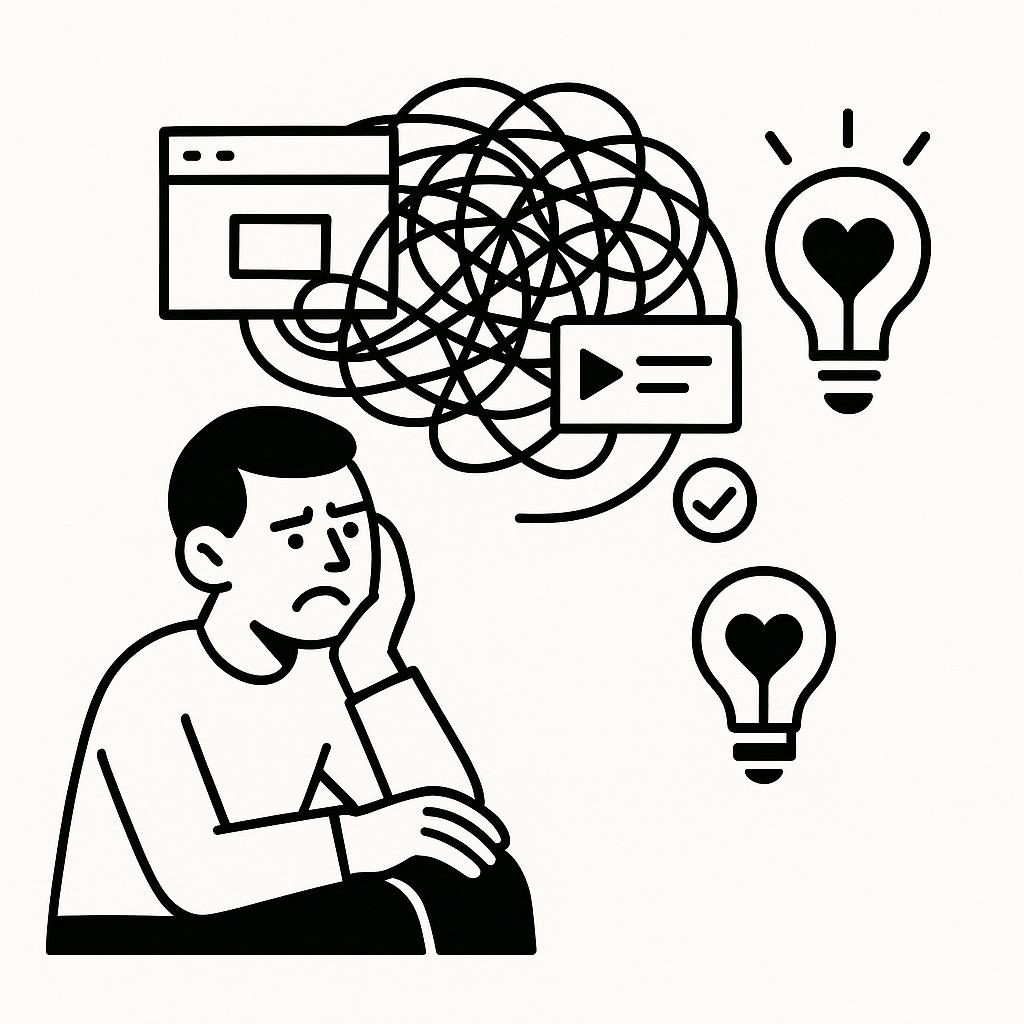
Analytics Show Behavior, Not User Intent
Product analytics can show what users did inside a product.
Teams can see:
• searches performed
• buttons clicked
• workflows abandoned
• tasks started but not completed
But analytics cannot explain what the user was actually trying to accomplish.
For example:
A user might search for something repeatedly.
Another user might abandon a workflow halfway through.
A third might attempt an action that fails.
Without understanding the user’s goal, teams are left guessing why these behaviors occur.

Key Moments That Reveal User Intent
Many product interactions reveal what users are trying to accomplish.
Common moments include:
Search activity
Users search repeatedly inside a product.
Failed tasks
Users attempt an action that doesn’t succeed.
Abandoned workflows
Users start a process but leave before finishing.
Repeated attempts
Users try the same action multiple times.
Each of these moments reveals the gap between what users want to do and what the product allows them to do.
Capture Feedback When Users Attempt a Task
Instead of analyzing user behavior alone, teams can capture feedback right after key product interactions.
For example:
User searches for something
→ Invite a quick conversation
→ Ask what they were trying to accomplish
→ Analyze patterns across responses
Because the action just happened, users can clearly explain:
• the task they were trying to complete
• what outcome they expected
• where the experience broke down
These insights help teams understand user intent and design products that better support real workflows.


Questions to Ask Users About Their Goals
When users attempt a task, simple questions can reveal what they were trying to accomplish.
Examples include:
• What were you trying to do just now?
• What outcome were you hoping for?
• What made this task difficult?
• What did you expect to happen?
• What would have helped you complete the task?
These conversations reveal the real jobs users want to accomplish inside the product.
What Teams Learn About User Intent
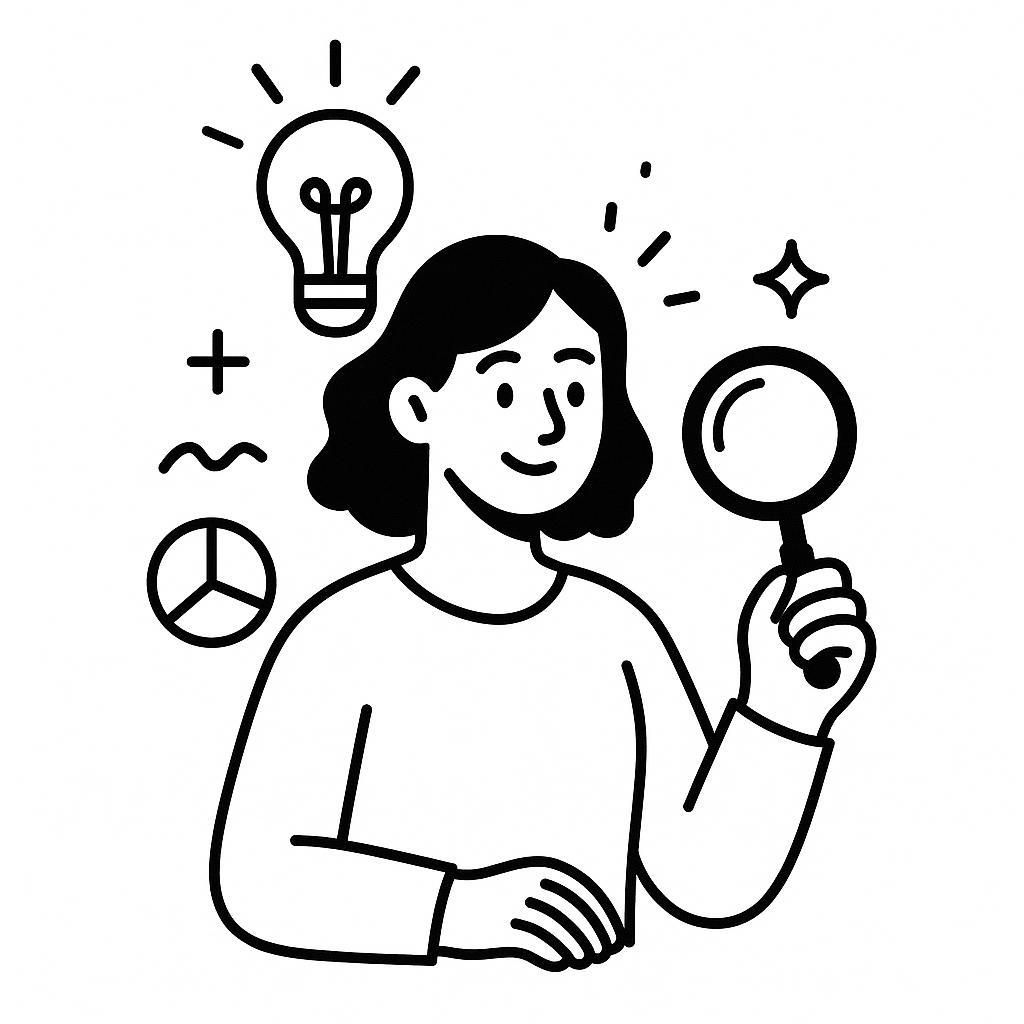
When teams capture feedback after failed tasks or abandoned workflows, several patterns often emerge.
• users attempting tasks the product doesn’t support
• confusing workflows that prevent users from completing tasks
• unclear navigation or product structure
• missing capabilities users expect to exist
• differences between how users think the product works and how it actually works
Understanding these patterns helps teams improve usability, workflows, and product design.
“I was trying to export my data, but I couldn’t figure out where that option was.”
These insights often become clear when teams talk to users at the moment these events occur, while the experience is still fresh.
Turn Customer Moments Into Insights
Capture feedback at the moment key customer events happen.
.svg)
Product Event
Track key product events with a simple JavaScript snippet.
.svg)
Research Trigger
Use events from tools like PostHog, Mixpanel, Amplitude, or GA.

Quick voice conversation
Connect the event to trigger an invitation for a short voice chat with an AI researcher.

Themes & insights
Interviews are transcribed, analyzed, and summarized into themes.
