
User Research vs User Testing: The Costly Mix-Up That’s Killing Your Product Decisions
Most teams don’t fail because they ignore users. They fail because they think they’ve already listened.
I can’t count how many times I’ve seen a team proudly present usability test results—clean flows, high task completion, positive feedback—only to watch the feature flop after launch. The assumption is always the same: “We tested it with users, so we must understand users.” That assumption is exactly the problem.
If you’re searching for the difference between user research vs user testing, here’s the uncomfortable truth: treating them as interchangeable is one of the fastest ways to build polished, well-designed products that nobody actually needs. And the worst part? You’ll have data to justify it.
User testing gives you answers. User research tells you if you’re even asking the right questions. Confuse the two, and you optimize the wrong thing with total confidence.
User research vs user testing: the difference most teams miss
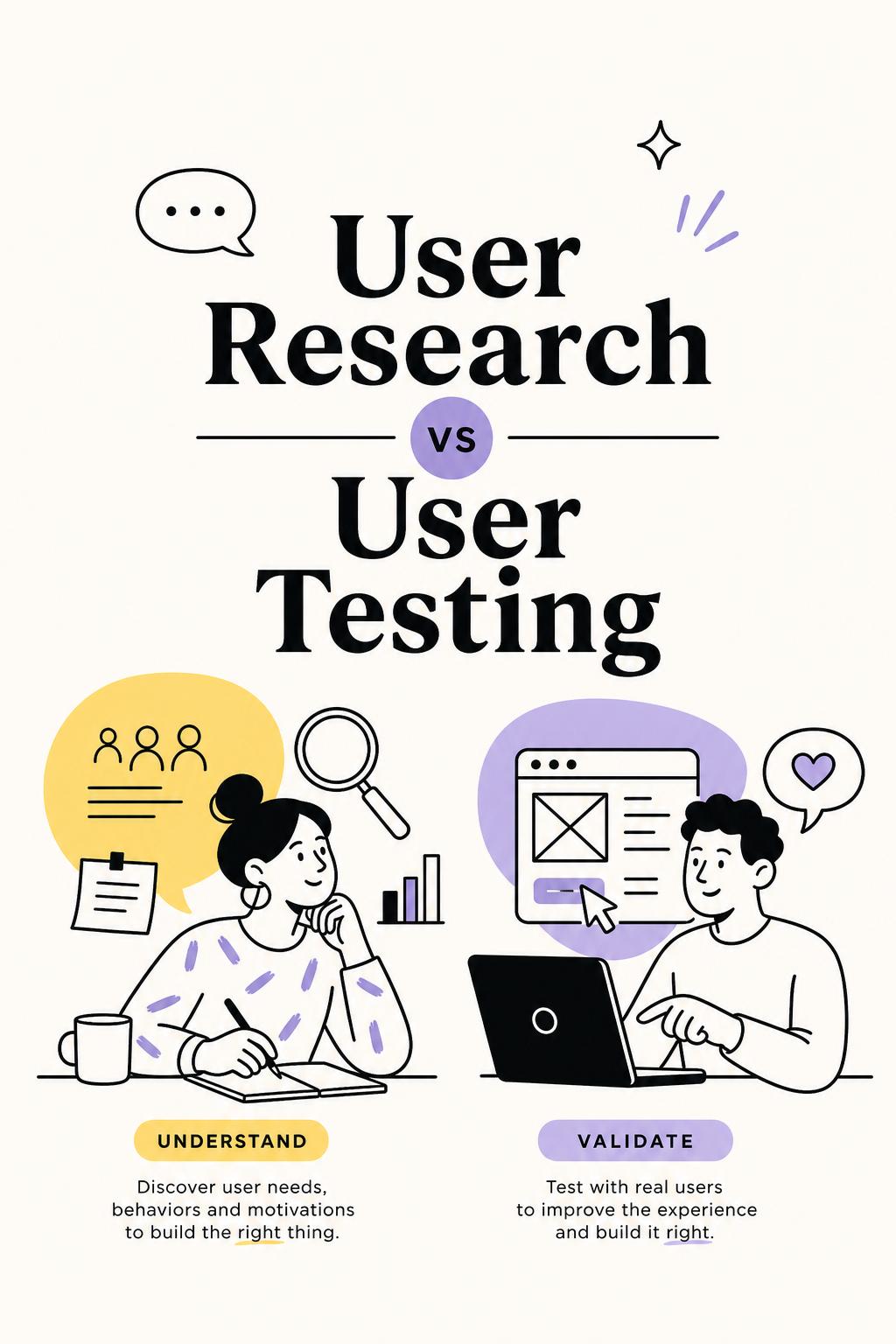
The simplest explanation is also the one most teams ignore: user research is about understanding reality; user testing is about evaluating a solution.
User research looks outward. It investigates behavior, motivations, unmet needs, decision-making processes, and real-world constraints. It’s messy, interpretive, and often uncomfortable because it challenges assumptions.
User testing looks inward. It evaluates something you’ve already created—whether users can use it, understand it, and complete tasks successfully.
That difference seems obvious. In practice, it’s where most product mistakes begin.
If you skip research and jump straight to testing, you’re effectively asking users to validate your assumptions instead of uncovering their reality.
Why teams default to user testing (and why it backfires)
User testing is attractive because it feels efficient. You can recruit quickly, run sessions in a week, and get clear outputs—success rates, quotes, highlight clips. It looks like progress.
But this is where things quietly go wrong.
- It creates false certainty. A usable product is not the same as a valuable product.
- It narrows the problem space too early. You only learn about what’s on the screen, not what’s missing.
- It biases feedback. Users react to your idea instead of revealing their own priorities.
- It hides strategic risk. You can ship something that works perfectly—and still fails.
I worked with a SaaS team that ran 12 usability tests on a new reporting feature. Users completed tasks quickly, gave positive feedback, and said they’d use it. Three months post-launch, adoption was under 15%.
When we finally ran proper user research interviews, the issue was obvious: users didn’t need better reports—they needed faster ways to act on insights. The feature solved the wrong problem beautifully.
No usability test would have caught that.
The real risk: optimizing the wrong layer of the product
Here’s the mental model I use with product teams:
There are two layers of risk in every product decision:
- Problem risk: Are we solving something that actually matters?
- Solution risk: Are we solving it in a way users can understand and use?
User research reduces problem risk. User testing reduces solution risk.
Most teams over-invest in solution risk because it’s easier to fix. But problem risk is where the biggest failures come from—and it’s almost invisible if you skip research.
I’ve seen teams spend months iterating on onboarding flows, button placements, and microcopy while ignoring the fact that users fundamentally didn’t see enough value to continue after signup. They were solving usability problems inside a value problem.
When you should use user research (but probably aren’t)
If your question starts with “why,” you’re already outside the scope of user testing.
You need user research when:
- You don’t understand why a metric is moving (or not moving)
- You’re entering a new market or segment
- You’re prioritizing what to build next
- You suspect users are using workarounds or alternatives
- You’re seeing drop-offs but don’t know the cause
This is where most teams rely too heavily on analytics dashboards. Metrics tell you what is happening, but not why. And guessing the “why” from charts is where bad decisions creep in.
This is also where tools like Usercall become particularly powerful—not as a replacement for researchers, but as leverage. It allows teams to trigger in-the-moment user intercepts at key product events (like drop-offs or feature usage) and run AI-moderated interviews with strong researcher controls. That combination matters because it connects behavioral data with real explanations, instead of forcing teams to infer intent from clicks. Self-serve from $89 a month. Your first interview is free. No sales call.
In one project, we used intercept interviews triggered right after users abandoned a setup flow. Instead of guessing, we learned that 40% of users were blocked by missing internal data—not confusion. No usability tweak would fix that.
When user testing is exactly the right tool
User testing shines when the problem is already clear and the risk is execution.
Use it when you need to:
- Validate a prototype before development
- Improve task completion rates
- Compare design variations
- Identify friction in onboarding or key flows
- Ensure clarity in messaging or navigation
This is where speed matters, and where testing delivers clear ROI. But it only works if you’re testing the right thing.
I once had to run a study under tight constraints—one week, no budget for extended research, and only 8 participants. Instead of running 8 usability tests, I split it: 3 exploratory interviews, 5 usability sessions.
Those 3 interviews changed everything. They revealed that users interpreted a key feature in a completely different way than the team intended. Without that insight, the usability tests would have optimized the wrong flow. With it, we adjusted the concept before testing—and avoided a misleading conclusion.
A simple workflow that prevents most mistakes
If you want to stop debating user research vs user testing, use this sequence instead:
1. Define the decision
What are you actually trying to decide? Prioritization, concept direction, usability improvement? Be specific.
2. Identify the type of uncertainty
- If you don’t understand user needs → problem uncertainty
- If you don’t know if your solution works → solution uncertainty
3. Match the method
- Problem uncertainty → user research
- Solution uncertainty → user testing
- Both → research first, testing second
4. Synthesize into decisions, not just insights
“Users want simplicity” is not useful. “We should remove step 3 because users don’t see its value” is.
5. Validate with real behavior
Close the loop by checking whether changes impact actual usage, retention, or conversion.
Tools that support both (without dumbing down research)
Choosing the right tool isn’t about features—it’s about whether it helps you answer the right question without oversimplifying the work.
- Usercall — best for teams serious about qualitative depth. Combines AI-native analysis, AI moderated interviews, and strong researcher controls. Particularly effective for connecting user feedback directly to product behavior through intercepts.
- UserTesting — strong for rapid, large-scale usability testing and quick feedback loops.
- Maze — useful for structured, unmoderated prototype testing and task-based evaluation.
The key is not speed alone. It’s whether the tool helps you avoid asking shallow questions at scale.
The bottom line: stop using user testing as a shortcut
User testing is not a faster version of user research. It’s a different tool for a different job.
If you rely on testing to understand users, you’ll keep optimizing surfaces while deeper problems go untouched. If you invest in research first, your testing becomes sharper, faster, and far more meaningful.
The teams that consistently win are not the ones who test more. They’re the ones who understand what they don’t know—and choose the right method to close that gap.
That’s the real difference between user research vs user testing. Not definitions. Decisions.
Getting the distinction right is only the first step — the real advantage comes from building a system where both research and testing happen continuously, not as one-off projects. See how top teams structure this in our guide to continuous product discovery, or try Usercall to run AI-moderated interviews that give you research-grade insight without the scheduling overhead.
Related: choosing the right UX research method · how AI user testing fits into this · why 5 users isn't a safe sample size