
 Table of Contents
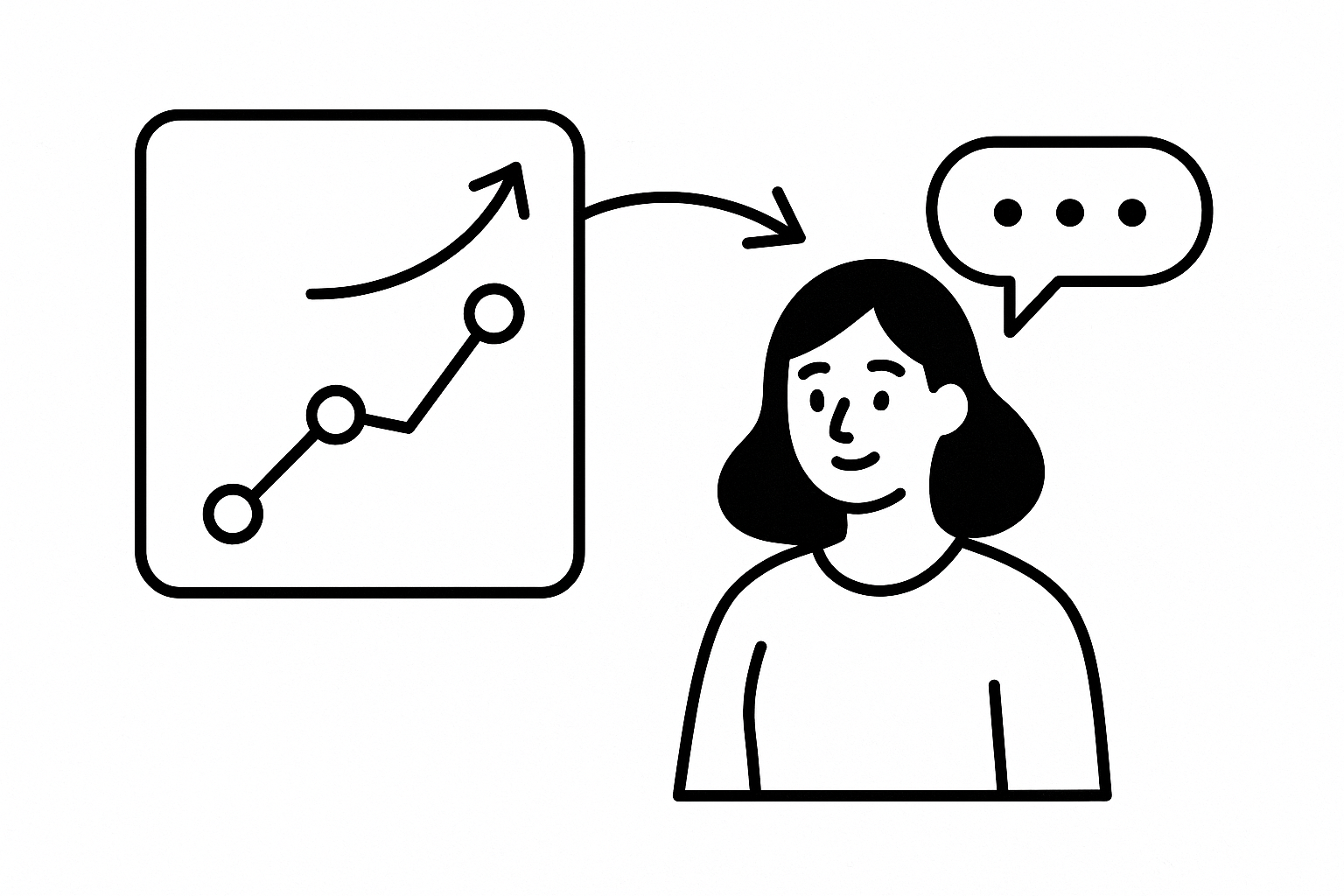
Amplitude tells you what users do and when — not why. Research triggers close that gap — when an Amplitude event fires, Usercall invites the user to a 2–5 min AI-moderated interview. Responses are synthesized into themes, not raw transcripts.
Most teams ask too late, ask everyone, and get junk back. A survey sent 24 hours after a failed activation or abandoned onboarding flow captures rationalized answers, not the friction the user just felt.
Amplitude user interviews work when the trigger is behavioral and immediate. If the event already marks a meaningful product moment, use it to launch a short interview while context is still in working memory.
The pattern is simple: trigger on moments with decision weight, confusion, or intent. If the event could change roadmap priority, onboarding design, or lifecycle messaging, it is a strong candidate.
Add the Usercall script to your product in the same
block as Amplitude's JS SDK.This is required for trait-based filters and interview history.
window.usercall.identify({
  userId: "u_123",
  email: "user@example.com",
  traits: { plan: "trial", country: "US" }
});The allowlist is the exact set of event names that can trigger interviews — keep it narrow.
window.__usercallSetup = window.__usercallSetup || {};
window.__usercallSetup.bindAmplitude = {
  allowlist: ["activation_success"]
};Pick the Amplitude event, attach an interview guide, and set targeting and frequency limits. Usercall handles delivery — users see an invitation immediately after the event fires.
Filter at the source side before events reach Usercall if you want clean trigger logic and cleaner reporting. Excluded events don't appear in history or suggestions.
Trait-based rules require identify() to run first.
window.__usercallSetup.bindAmplitude = {
  allowlist: ["activation_success"],
  where: {
    properties: { plan_type: "trial" },
    traits: { company_size: "smb" }
  }
};
This triggers interviews only for SMB trial users who hit activation, not every user.
Use this instead of the Amplitude binding if you want to trigger from your own app code.
window.usercall && window.usercall.trigger("upgrade_intent_detected", {
  trigger_point: "usage_limit",
  plan: "free"
});
This is the right move when the trigger depends on product logic Amplitude does not model cleanly, or when you want interview invites tied to internal states rather than analytics events.
Configured per trigger in the Usercall dashboard. Usercall POSTs the matched event payload, trigger run IDs, and generated interview URL to your endpoint — add a signing secret and requests include an x-usercall-signature header.
This matters when growth, CRM, or warehouse pipelines need the interview trigger as a downstream event. Treat it like any other production webhook: verify signatures, log payloads, and make retries idempotent.
The win is timing: interviews fire at the moment the event fires, while context is fresh. Responses are synthesized into recurring themes across users — not individual transcripts to sort through.
That makes amplitude user interviews practical for product, growth, and data teams that need to explain movement in activation, drop-off, adoption, or churn without spinning up a full manual research project. Usercall is especially useful here because it combines AI-moderated interviews with deep researcher controls and lets teams intercept users at key analytic moments to surface the why behind the metric.
If your team already lives in event data, this is the cleanest bridge from behavior to explanation. Start with one high-signal event, keep the allowlist tight, and only expand after the themes prove useful.
Behavioral data tells you what happened, but Amplitude alone won't tell you why users churned or converted. For a wider view of how analytics tools plug into automated research, read our product analytics integrations guide, or set up your first Amplitude-triggered interview with Usercall in minutes.
Related: Amplitude User Feedback · how research triggers work · doing the same with Mixpanel events
