

 Table of Contents
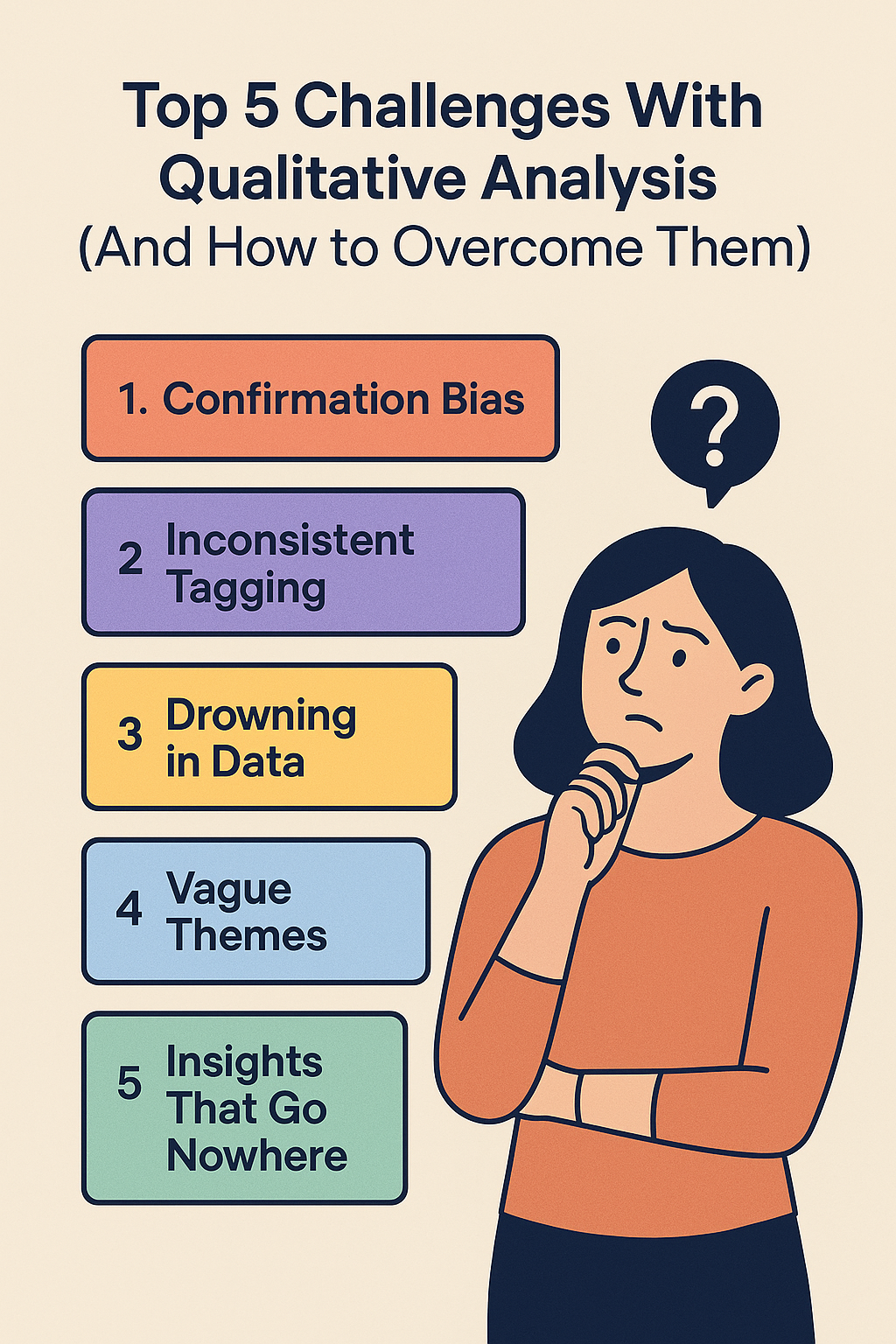
Qualitative data is full of truth — but only if you know how to find it.
When it comes to understanding users, there’s nothing more powerful than a raw conversation. The emotion, the detail, the real-world stories — it’s the kind of depth that no multiple-choice survey can match.
But while gathering qualitative data is easier than ever (thanks to interviews, open-ended surveys, and customer feedback), actually analyzing that data is still where most teams get stuck.
If you’ve ever had a folder full of transcripts you meant to read “someday,” or a wall of tagged quotes that somehow never added up to a real insight — you’re not alone.
Here are five of the most common challenges teams face when analyzing qualitative data — and how to overcome them with better habits, smarter frameworks, and a little help from AI.
You (or your team) go into analysis with a hypothesis in mind — and suddenly, every quote seems to support it. You tag what feels relevant and ignore what doesn’t. It’s unintentional, but it distorts the truth.
This happens especially when you’re under pressure to justify a roadmap decision, back up a campaign message, or report “good news” to stakeholders.
One person tags a comment as “trust,” another as “security,” a third as “UX friction.” Now you have three tags describing the same thing — and themes that don’t hold together.
When teams aren’t aligned on tagging, the result is fragmented, hard-to-synthesize data that leads nowhere.
You did the work. You talked to users. You recorded hours of conversations.
And now… you’re stuck. Because reading, tagging, and synthesizing all that data manually is overwhelming.
It’s the most common research bottleneck: too much data, not enough time.
You’ve tagged everything, grouped the tags, and come up with… generic insights.
“Users want a better experience.” “Trust is important.” “Make it easier to use.”
None of these help a PM write a ticket or help marketing craft a headline.
You did the research. You made the deck.
And nothing changed.
Your insights didn’t stick. Not because they weren’t good — but because they weren’t packaged in a way that drove action.
Common qualitative challenges such as slow coding, inconsistent themes, and collaboration bottlenecks are often symptoms of tool mismatch, not researcher skill.
When teams struggle with volume, manual workflows increase researcher time cost. When consistency breaks down, tools without shared codebooks or clear collaboration controls amplify the problem. And when synthesis takes too long, the real expense is delayed decisions, not software fees.
Mapping these challenges to tool capabilities helps narrow choices. Teams facing these issues should compare NVivo alternatives and review structured comparisons like ATLAS.ti vs NVivo vs Usercall, alongside core qualitative analysis software pricing, to see which platforms reduce friction rather than add to it.
The truth is in there. Behind every rambling transcript, every vague survey response, every “I’m not sure” — there’s gold. You just need the right system to uncover it.
That system doesn’t have to be a team of analysts or a full week blocked off for coding. With AI-powered tools like UserCall, you can speed up your analysis workflow, reduce bias, and turn real conversations into clear, confident decisions.
If these challenges have made you rethink your approach, revisit the fundamentals with our guide to 12 proven qualitative data analysis methods—it includes guidance on choosing methods that are naturally easier to execute rigorously. You can also try Usercall, which automates the most time-consuming parts of qualitative analysis so your team can focus on interpretation, not logistics.
Most of these challenges — from coding fatigue to inconsistent themes — come down to using the wrong tool for the job. If you're ready to see which software actually solves these problems instead of adding to them, check out our breakdown of the top 5 qualitative data analysis tools that actually work.
Related: coding techniques that turn interviews into decisions · how AI qualitative analysis can go wrong · why most QDA software fails researchers
