
AI and Customer Experience: The Costly Mistake 80% of Teams Make (And What Actually Works)
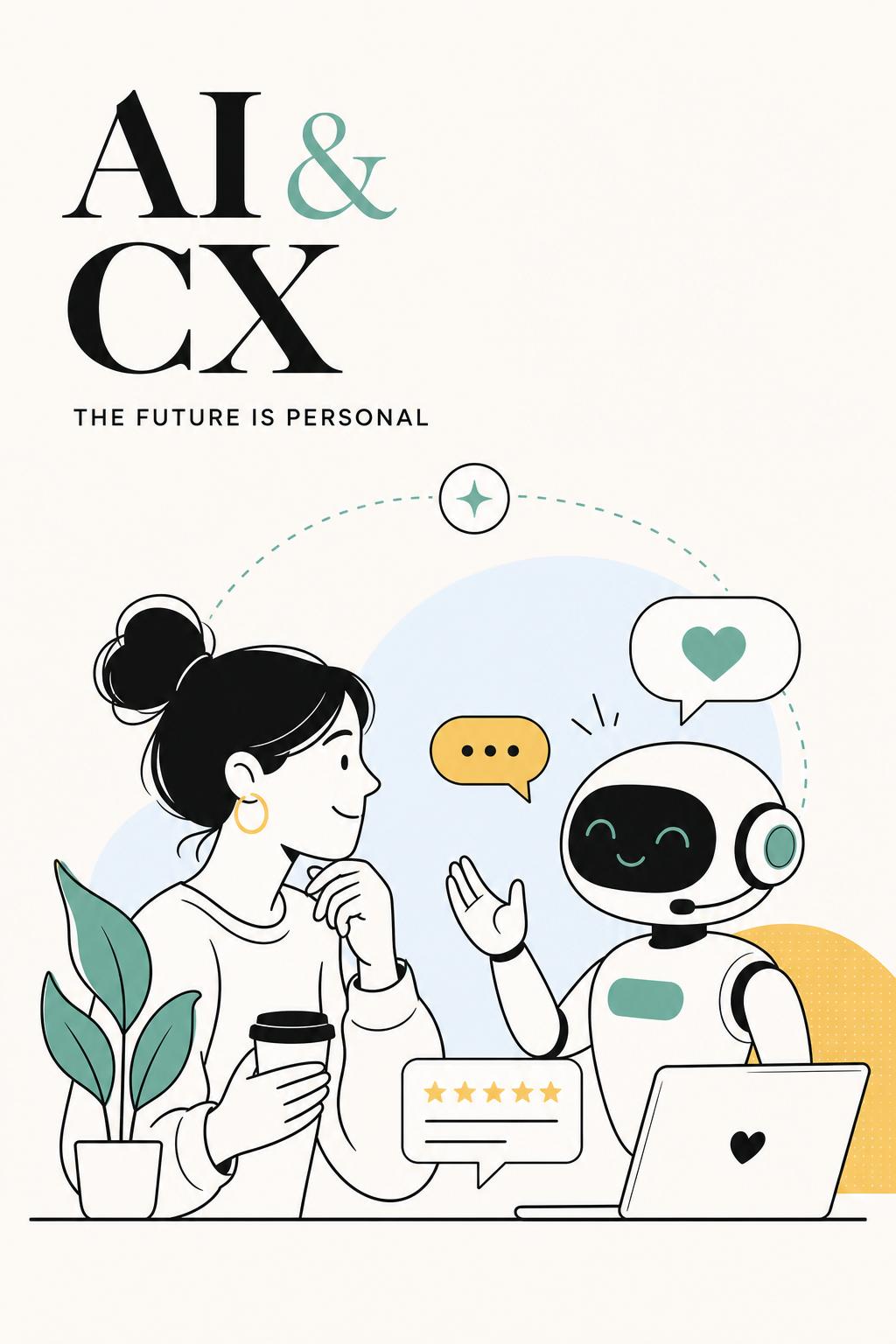
Most AI and customer experience strategies look successful—right up until customers start leaving.
I’ve sat in too many readouts where teams celebrate faster response times, higher bot containment rates, and lower support costs… while ignoring the one metric that actually matters: whether customers are getting unstuck. The uncomfortable truth is this: many AI CX implementations make companies more efficient at handling broken experiences instead of fixing them.
If your AI reduces tickets but increases repeat contacts, confusion, or silent churn, you haven’t improved customer experience—you’ve just compressed it into cheaper interactions.
The teams that win with AI don’t start by asking what to automate. They start by asking where customers lose momentum—and design AI to intervene there.
The Core Problem: Teams Automate Visibility, Not Friction
Most AI investments in customer experience follow the same pattern: automate the most visible layer first. That means chatbots, support replies, help centers, and email responses.
It feels logical. These are high-volume, measurable, and easy to justify. But they’re also where context is messiest and stakes are highest.
Customers don’t reach support when everything is going well. They reach out when something broke, didn’t make sense, or violated expectations. That’s exactly where generic AI performs worst.
I worked with a SaaS company that proudly automated 55% of inbound support within three months. On paper, it looked like a huge win. But when we dug deeper, we found something ugly: customers who interacted with the bot first were 2.1x more likely to reopen the same issue.
The AI didn’t resolve problems. It delayed resolution.
This is the trap: optimizing for deflection instead of resolution. AI reduces visible load while increasing invisible friction.
The Only Metric That Matters: Customer Effort vs. Customer Confidence
If you want a simple way to evaluate whether AI is actually improving customer experience, use this lens:
- Customer effort: How hard is it for the user to get what they need?
- Customer confidence: Do they trust the answer, outcome, or next step?
Most AI implementations improve one while damaging the other.
For example:
The goal is not maximum automation. It’s reducing effort without eroding confidence. That’s a much narrower—and more valuable—target.
Where AI Actually Improves Customer Experience
After working across onboarding, support, and product research systems, I’ve seen four areas where AI consistently delivers real CX gains.
1. Catching friction before it becomes a support ticket
The best customer experience doesn’t feel like support—it feels like things just work.
AI is extremely good at identifying patterns across behavioral signals that humans miss. For example:
- Users who fail an integration twice
- Visit help docs immediately after
- Then abandon setup within 10 minutes
That cluster is a churn signal, not just a usability issue.
Instead of waiting for a ticket, you can trigger an in-product intervention or a targeted question to understand what broke.
This is where tools like Usercall become critical—not just for analyzing feedback, but for intercepting users at the exact moment friction occurs. You’re not guessing why drop-off happened days later. You’re asking in context, when the problem is still fresh and specific.
That shift—from reactive to in-the-moment understanding—is where AI starts compounding value.
2. Personalizing guidance, not just messaging
Most “AI personalization” is cosmetic. It tweaks copy or recommends content. Customers have learned to ignore it.
The real opportunity is guidance personalization: changing what the product tells a user to do next based on their actual goal.
I ran a study on onboarding friction for a B2B analytics tool where completion rates were stuck at 38%. The team wanted an AI assistant to answer setup questions. But interviews showed users weren’t asking questions—they were stuck choosing between too many paths.
We used behavioral clustering and interview synthesis to identify three dominant onboarding intents. Then we simplified the experience to guide users into one of those paths early.
No chatbot. No flashy AI UI. Just better decisions about what users needed next.
Completion rates jumped to 57%.
AI’s role wasn’t answering questions. It was helping us understand which questions shouldn’t exist in the first place.
3. Eliminating “repeat yourself” experiences
Nothing destroys customer experience faster than having to explain your situation over and over.
AI can fix this—but only if it preserves meaningful context.
Bad summaries compress information. Good summaries preserve intent, risk, and history.
For example:
Customer is evaluating renewal, blocked by invoice mismatch, lost confidence after failed import, and was promised manual follow-up by Friday.
That’s actionable. It tells the next person exactly what matters.
When done right, this reduces resolution time and increases trust simultaneously—one of the few AI use cases that improves both effort and confidence.
4. Turning messy feedback into decisions, not dashboards
Most teams already have more customer feedback than they can process. The problem isn’t volume. It’s interpretation.
AI helps—but only if you go beyond surface-level themes.
The critical distinction is this: frequency vs. consequence.
- Some issues appear often but have low business impact
- Others appear less often but directly drive churn or failed adoption
Generic AI analysis flattens this difference. Research-grade analysis surfaces it.
I’ve seen teams prioritize “top themes” that barely moved retention, while ignoring smaller but more damaging issues like trust breakdowns during billing or failed onboarding edge cases.
This is why deep researcher controls matter. You need to interrogate patterns, not just receive them.
Why Most AI CX Strategies Quietly Fail
There are five failure modes I see repeatedly:
- Deflection over resolution: Measuring success by reduced tickets instead of solved problems
- Shallow sentiment analysis: “Negative” doesn’t tell you what to fix
- Hallucinated confidence: AI sounds certain even when it’s wrong
- Disconnected systems: AI lacks full customer context, leading to generic responses
- Vanity metrics: Optimizing response time instead of outcome quality
These aren’t edge cases. They’re the default if you don’t design carefully.
A Practical Workflow for AI-Driven Customer Experience
If you want AI to actually improve CX—not just automate it—use this workflow:
- Identify friction moments: Where do users drop off, hesitate, or repeat actions?
- Tie to behavioral signals: Abandonment, retries, support contact, churn risk
- Intercept in context: Ask users what went wrong at the moment it happens
- Synthesize with qual AI: Cluster root causes, compare segments, validate patterns
- Assign AI roles intentionally: Detection, summarization, routing, or response—not all at once
- Keep humans in high-trust moments: Escalations, edge cases, emotional interactions
- Measure outcomes, not activity: Resolution rate, repeat contact, time-to-value, retention
This is slower than launching a chatbot. It’s also how you avoid degrading your customer experience while thinking you’re improving it.
The Shift Most Teams Miss: AI as a Learning System
The biggest missed opportunity in AI and customer experience isn’t automation. It’s learning velocity.
AI should not just handle interactions—it should make your organization smarter about customers, faster.
The best teams create a loop:
- Behavior shows where customers struggle
- AI-powered intercepts capture why
- Qual analysis identifies root causes
- Teams fix the experience
- AI improves future interactions with better context
This is where tools like Usercall stand out—not as a support layer, but as a research engine embedded inside the product experience itself.
When you can continuously connect behavior to reasoning, AI stops being reactive and starts being strategic.
What to Do Next
If you’re investing in AI for customer experience, resist the urge to start broad.
Pick one high-friction moment—onboarding drop-off, repeated support issues, billing confusion—and go deep. Combine behavioral data with in-the-moment qualitative insight. Use AI to understand, not just respond.
Because the uncomfortable reality is this: bad AI scales bad experiences faster.
But good AI—used with the right intent—can make your customer experience feel faster, smarter, and more human at the same time.
And that’s the bar customers actually care about.
AI works best when it's layered onto a sound CX strategy, not used to replace one. Check out our customer experience CX strategy guide for the fundamentals, and try Usercall to combine AI efficiency with real customer conversations.
Related: a CX framework that actually drives retention · hidden trust gaps in banking CX · surveys that don't fix churn