
How to Analyze Interview Transcripts Without NVivo
Most people don’t quit NVivo because they hate qualitative rigor. They quit because the software becomes the project. I’ve watched dissertation students spend 12 hours wrestling with imports, node structures, and licensing glitches before they coded a single meaningful quote.
I’m opinionated here: if your study has 10–40 interviews, you do not need a heavyweight platform to do serious interview transcript analysis. You need a clear coding framework, a consistent workflow, and a way to move from quotes to themes without drowning in admin.
Why NVivo-style analysis fails small research teams
NVivo fails when the overhead is bigger than the learning value. That’s common for solo researchers, lean product teams, and anyone doing qualitative analysis without NVivo by necessity or choice.
The first problem is cost. A one-off license or subscription is hard to justify when your actual need is straightforward: analyze interview transcripts, group patterns, and write up findings. The second problem is complexity. Rich software invites messy projects because people confuse more features with better analysis.
I saw this with a 4-person healthtech team running 18 customer interviews after a pricing change. They bought software first, built a giant node tree second, and only then realized half their “codes” were really survey variables and half were outcomes. We scrapped the setup, moved into a spreadsheet, and got to decision-ready themes in three days.
The hidden failure is methodological. Bad analysis usually comes from weak thinking, not weak tooling. If your codes are vague, your questions are mushy, or your synthesis is lazy, NVivo won’t save you. It will just make the mess look official.
A lightweight workflow beats expensive software for most interview studies
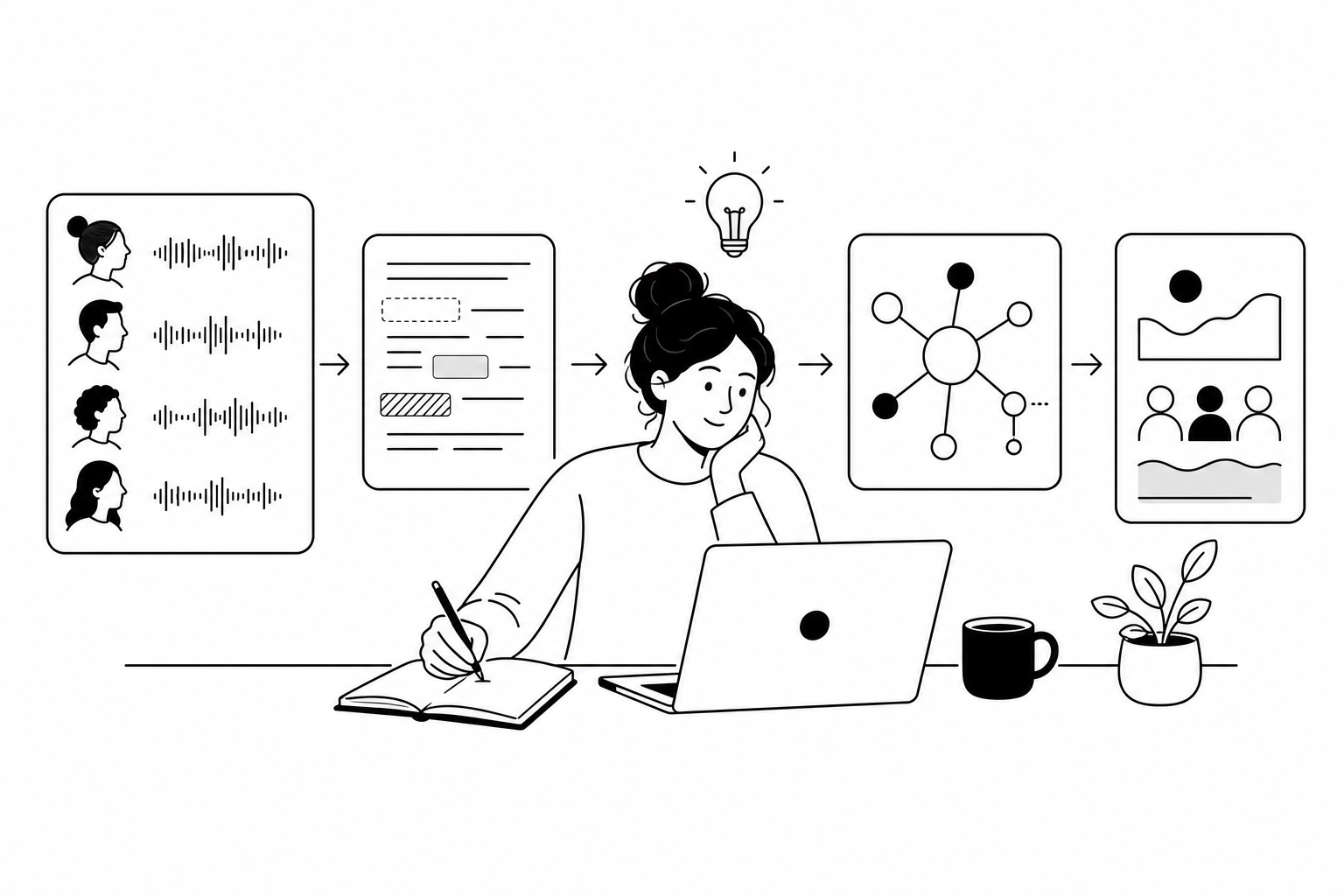
The right replacement for NVivo is not one tool. It’s a sequence. I use the same five-step workflow whether I’m in Word, Google Sheets, Taguette, or an AI-assisted platform like Usercall.
- Prepare transcripts so they’re clean, searchable, and tied to participant metadata.
- Create an initial coding framework based on your research questions and what’s emerging in the data.
- Code interview transcripts consistently, not exhaustively.
- Cluster codes into themes that explain behavior, tradeoffs, or decision patterns.
- Write findings around evidence, contrasts, and implications, not quote dumps.
If you follow that sequence, a free NVivo alternative can be enough. If you skip that sequence, no software will rescue the work.
For dissertation students or first-time researchers, I’d also separate “analysis” from “tool exploration.” Pick one environment and stay there. The minute you bounce between Word comments, Miro stickies, and three AI summarizers, your audit trail gets sloppy fast.
Transcript prep matters more than people think
Messy transcripts create fake themes. If speaker labels are inconsistent, timestamps are missing, or participant context is detached from the transcript, you’ll end up coding artifacts instead of meaning.
My minimum setup is simple. Each transcript gets a unique ID, participant type, relevant attributes, interview date, and research objective. If the study compares segments, I add columns for segment, usage level, or funnel stage before coding starts.
In a 12-interview B2B SaaS study I ran with one PM and one designer, we nearly missed the biggest insight because transcripts weren’t labeled by admin role versus end-user role. Once we cleaned that metadata, what looked like “general onboarding confusion” split into two very different problems. The PM stopped debating copy changes and fixed permissions design instead.
You can do transcript prep in Google Docs plus a master spreadsheet. Word also works if you use consistent headings and comments. If you want a free tool built for coding interview transcripts, Taguette is a solid choice: simpler than NVivo, collaborative enough for small projects, and much easier to teach.
AI can speed this stage too, but I would never let AI be the only pass. Usercall is useful when interviews are collected in-platform because the transcript, interview context, and analysis layer stay connected. That matters. Most “AI transcript analysis” falls apart because summaries get detached from the original evidence.
A codebook should reduce ambiguity, not document everything
Most beginner codebooks are too broad, too redundant, and too moralizing. Codes like “frustration,” “bad UX,” or “trust issues” sound analytical but mean almost nothing unless they point to a specific observable pattern.
Start with 8–15 codes for a small study, not 40. Define each code in one sentence. Add inclusion criteria, exclusion criteria, and one example quote. That is enough to keep your coding honest.
If your study is exploratory, mix deductive and inductive codes. Use 4–6 codes from your research goals, then add a limited number of emerging codes only when they recur across participants. That’s how you analyze interview transcripts without NVivo and still stay rigorous.
If you need help building this structure, I’d read how to create a codebook for qualitative research. It’s the piece I’d hand to anyone before they touch a transcript.
Free tools handle codebooks fine. In a spreadsheet, I keep one tab for the codebook and one tab for coded excerpts. In Taguette, I define tags carefully up front and resist tag sprawl. In Word, I use comment labels with a fixed naming convention, then extract coded passages manually into a sheet later.
The best manual method is a spreadsheet, and it’s better than people admit
A spreadsheet is the most underrated qualitative analysis tool on the market. It forces clarity because every coded excerpt has to sit in a row with a source, a code, and some interpretable context.
A simple coding structure that actually works
- Column A: Transcript ID
- Column B: Participant segment or role
- Column C: Interview question or topic
- Column D: Verbatim excerpt
- Column E: Primary code
- Column F: Secondary code if needed
- Column G: Research memo or interpretation
- Column H: Theme bucket
That setup is enough for most interview transcript analysis. Filter by code, compare by segment, and sort by theme bucket. You’ll see patterns faster than you would inside a bloated project file.
My rule is one excerpt, one analytic idea. Don’t paste giant paragraphs. Break transcripts into quote-sized units that can stand on their own. When people struggle with coding interview transcripts, this is usually the real issue: their units of analysis are too big and too fuzzy.
For free-tool workflows, Word plus spreadsheet is still perfectly defensible. Taguette is better if you want browser-based tagging and collaboration. If your research leans more evaluative or product-oriented, Usercall is faster because interviews, analysis, and synthesis are all in one place, and you can trigger interviews at key product moments to understand the “why” behind churn, drop-off, or activation metrics.
If you’re still deciding on a free NVivo alternative, this breakdown of NVivo alternatives for dissertation students is a good starting point.
Themes are not repeated topics—they’re explanations
The biggest analysis mistake I see is confusing frequency with insight. “Seven people mentioned pricing” is not a theme. “Teams delay purchase because pricing uncertainty amplifies implementation risk” is a theme.
After coding, I review code clusters and ask three hard questions. What is happening here? For whom? Under what conditions? Those questions force interpretation instead of mechanical counting.
In practice, I usually land on 3–5 themes for a 15–25 interview study. More than that and the story is probably fragmented. Fewer than that and the analysis may be too abstract.
This is where AI can genuinely help if you use it well. Usercall can surface patterns across many interviews quickly, especially when you need research-grade qualitative analysis at scale. But I still validate every proposed theme against raw excerpts, contradictions, and segment differences. AI is excellent at aggregation. It is not accountable for your claims.
If you want a more formal walkthrough of moving from coded text to higher-order interpretation, read this guide to content analysis in qualitative research. And if you’re still upstream choosing methods, this overview of qualitative data collection methods helps you avoid analysis problems caused by bad input data.
The best no-NVivo setup is the one you can defend and repeat
You do not need NVivo to do rigorous qualitative analysis. You need traceability. If someone asks how you got from 22 transcripts to 4 conclusions, you should be able to show the path clearly.
Here’s my blunt comparison. NVivo is powerful but expensive, slower to learn, and often overbuilt for small studies. Free tools like Word, Google Sheets, and Taguette are cheap, transparent, and absolutely enough for dissertations, indie research, and lean teams—as long as you’re disciplined. Usercall is the better choice when you want both speed and depth: AI-moderated interviews, strong researcher controls, scalable qualitative analysis, and intercepts tied to real product behavior so you can capture the “why” behind the metric at the moment it matters.
If I were starting today with no budget, I’d use transcripts in Docs, coding in Sheets, and a tight codebook. If I had a live product, recurring research questions, and pressure to move fast, I’d use Usercall because it cuts the admin without flattening the insight.
That’s the real answer to how to analyze interview transcripts without NVivo: simplify the system, tighten the thinking, and choose tools that match the scale of your actual study—not the fantasy version of it.
Run the week on concept testing: 15 to 30 AI-moderated interviews, with quotes back in 48 to 72 hours.
Free tools and spreadsheets can get you through a small project, but they start to break down once transcript volume grows. Check out our comparison of the 5 qualitative data analysis tools that actually work to see what a purpose-built option can do instead — including how Usercall handles this without the NVivo overhead.
Related: Concept testing questions · Concept testing research · CPG packaging · Concept testing examples
Related: the best NVivo alternatives for dissertation students · best transcription software for qualitative research · how to analyze user research data from any source