
1
Product event
Track key product events with a simple JavaScript snippet.
Research triggers · Customer feedback moments
Talk to customers when they contact support. Understand the deeper product issues behind support requests.
“I contacted support because I couldn’t find a way to complete the task I needed.”
What people say at this moment
Why it happens
Customers contact support when they encounter problems or confusion in the product experience. Understanding these patterns helps teams identify deeper product issues.
Common reasons include:
• confusion about how features work
• errors that prevent tasks from being completed
• missing functionality users expect
• unclear instructions or product documentation
• workflows that are difficult to complete
Support conversations often reveal deeper product problems that are not visible in analytics. Research Triggers for CX asks why right after an Intercom or Fin chat.
The gap
Customer support systems capture a large amount of user feedback.
Teams can see:
• support tickets
• chat conversations
• help desk requests
• bug reports
But these interactions often focus on solving the immediate issue, not understanding the deeper problem behind it.
Support tickets might reveal:
• what broke
• which feature confused the user
• what task failed
But they rarely explain the broader context:
• what the user was trying to accomplish
• why the problem happened
• how the experience could be improved
Without that context, product teams may miss valuable insight hidden inside support conversations.

Timing
When users contact support, they are actively trying to solve a problem.
At that moment, they clearly remember:
• what they were trying to accomplish
• what went wrong
• what confused them
Capturing feedback during these moments allows teams to learn about the experience behind the support request.
Instead of only resolving the issue, teams can understand the product problems that caused it.
Key moments
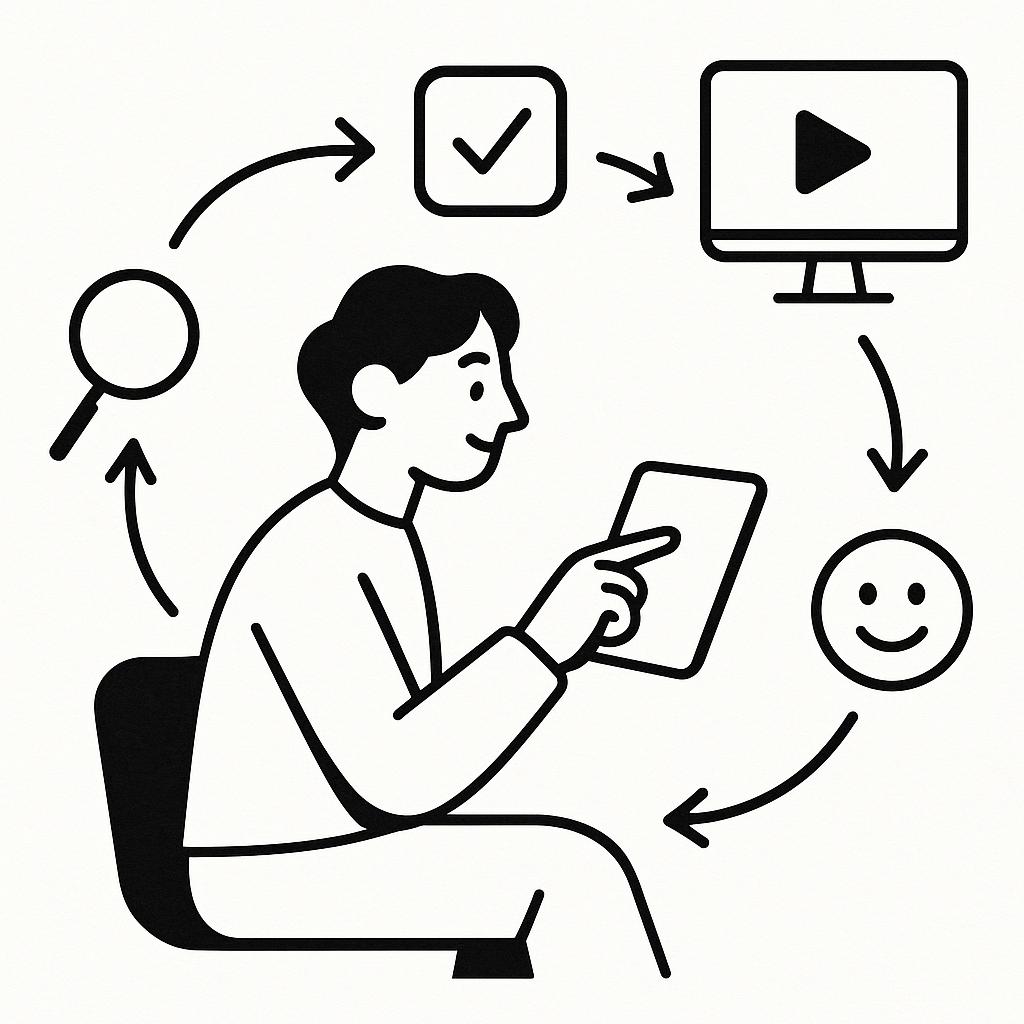
Support interactions happen when users encounter friction in the product experience.
Common moments include:
Feature confusion
Users contact support because they do not understand how something works.
Unexpected errors
Users encounter problems they cannot resolve on their own.
Incomplete workflows
Users start a process but cannot finish it.
Missing capabilities
Users ask for functionality the product does not provide.
Each of these moments reveals opportunities to improve the product experience.
How to capture it
Instead of treating support tickets only as issues to resolve, teams can use them as opportunities to learn from users.
For example:
User contacts support
→ Invite a short conversation
→ Ask what they were trying to accomplish
→ Analyze patterns across responses
Because the experience just happened, users can clearly explain:
• what they were trying to do
• what caused the issue
• how the product could improve
These insights help product teams identify recurring problems and improve the overall experience.

What teams learn
When teams capture insights during support interactions, several patterns often emerge.
• recurring usability problems
• confusing product workflows
• missing features users expect
• unclear product messaging
• gaps between user expectations and product behavior
Understanding these patterns helps teams prioritize improvements that reduce support demand and improve the product experience.

Questions to ask
When users contact support, simple questions can uncover deeper insights.
Examples include:
• What were you trying to accomplish before the issue occurred?
• What part of the product felt confusing?
• What did you expect to happen?
• How did the experience differ from what you expected?
• What would have helped you complete the task?
These conversations reveal the product issues behind support requests.
How it works
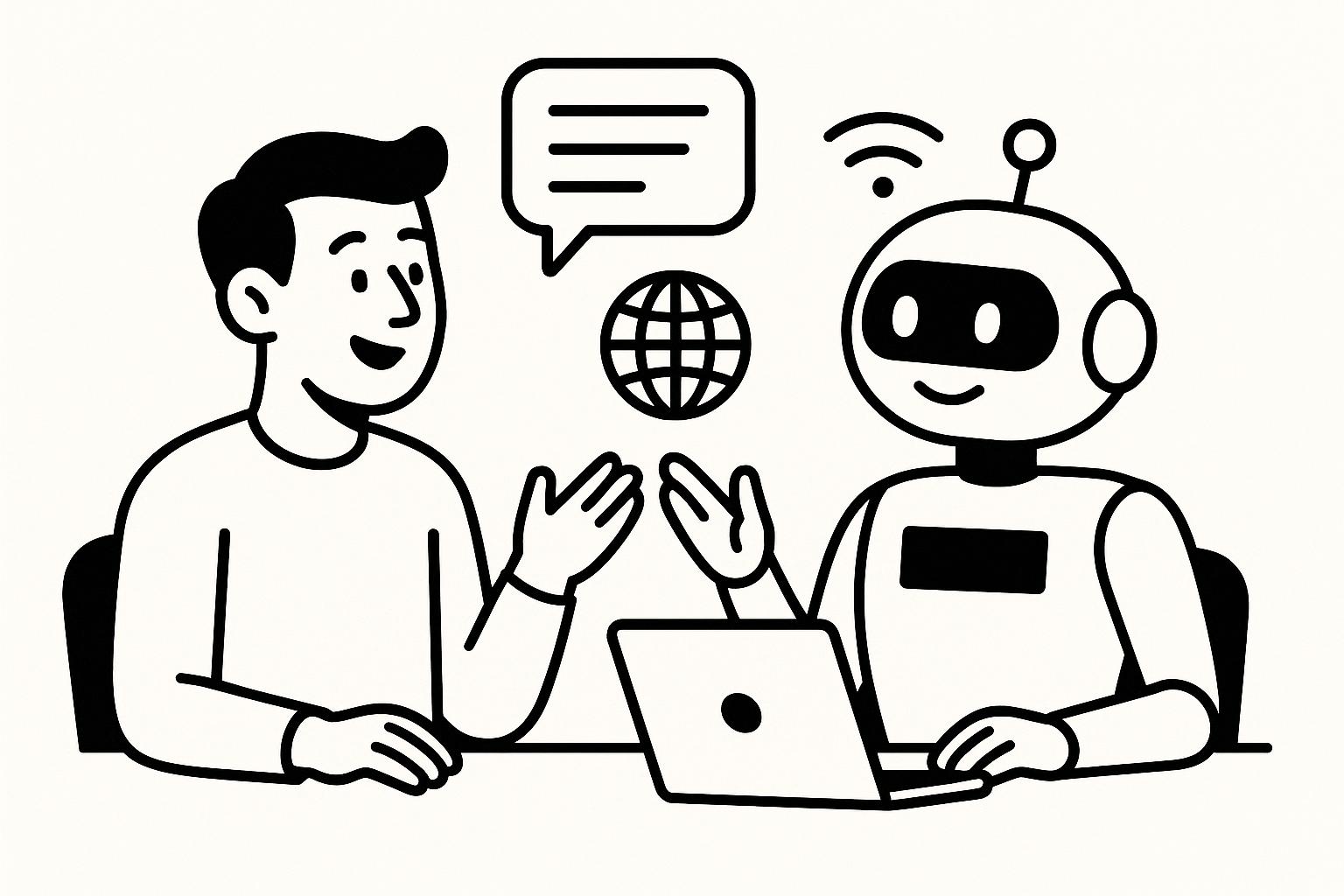
These insights often become clear when teams talk to users at the moment these events occur, while the experience is still fresh.
Track key product events with a simple JavaScript snippet.
Use events from tools like PostHog, Mixpanel, Amplitude or GA.
The event invites the user to a short voice chat with an AI interviewer.
Interviews are transcribed, analyzed and summarized into themes.
Frequent questions
More moments
Any product event can start a conversation. The research triggers page lists all ten.
Talk to users when they hit an issue, error, or failed action. Understand what they were trying to do and where the experience breaks.
Talk to users after key actions like searches, failed tasks, or abandoned flows. Understand the job they were trying to accomplish.
Talk to shoppers when they abandon checkout or a cart. Discover the friction that stops customers from completing a purchase.
Talk to users when a trial ends or a plan change happens. Learn what’s missing when customers decide not to upgrade.
Talk to users when they stop using an important feature. Learn what they expected it to do and why it didn’t stick.
Interview new users who sign up but never get started. Learn what blocked them from taking the first meaningful step.
Talk to users when they abandon onboarding or setup. Find out exactly where people get confused and why they stop.
Interview users right after they sign up or create an account. Understand what they’re hoping to accomplish before they even start using your product.
Free to start. Your first trigger takes a few minutes to set up.