What they were trying to do.
In their words, not a category.

Research Triggers for CX · Usercall app for Intercom
You just rolled out an AI support agent. The dashboard says chats are resolved. It does not say how customers felt.
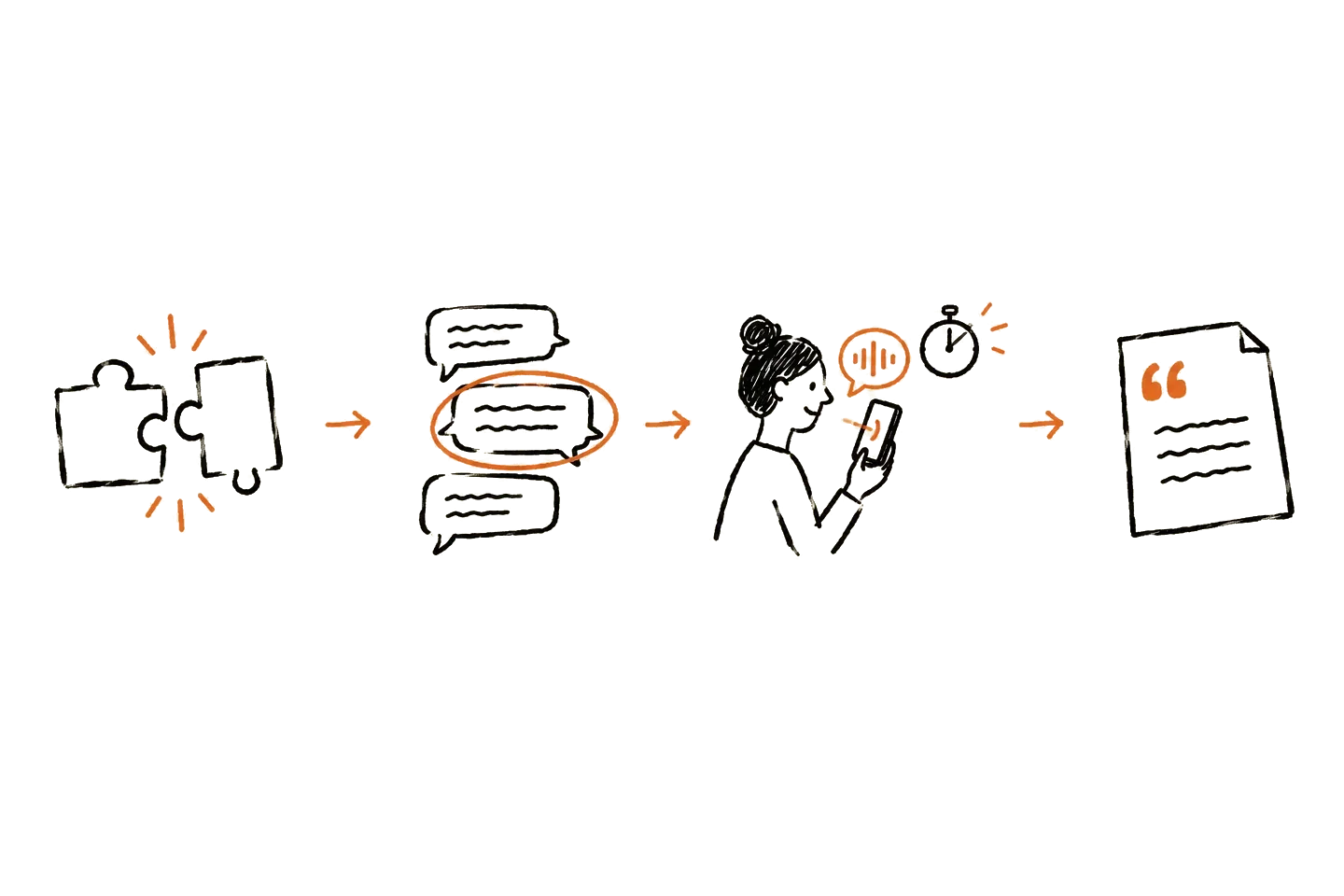
Research Triggers for CX asks a few customers a short follow-up right after an Intercom or Fin chat. The first question already knows their issue. You read the reasons in their own words.
Connect the Usercall app to your Intercom workspace. We are onboarding a small group of pilot teams now.

After an AI agent rollout, someone always asks whether it hurt the customer experience.
A resolution rate can't answer that, and neither can a thumbs up or a CSAT score. They tell you what happened, not why.
The fastest way to know is to ask the people who just had the chat, while it is still fresh.
In their words, not a category.
The gap between the reply and what they needed.
The fix, from the person who had the problem.
Every interview has a transcript, and Analyze turns them into themes with the quotes behind them.
Each interview lands in a normal Usercall study, and you get an email when a new one comes in. See how the analysis works.
You land in Usercall, ready to go. No Intercom Workflow, snippet or setup.
One question. We prefill a default: what the customer was trying to do, what the support answer left out, and what would have made it feel done. Edit it or keep it.
Smart, Problem-focused or Random. More on each below.
Nothing is sent before you do. After each chosen chat closes, the customer gets one short message with a link to the interview.
Transcripts, themes and quotes in Usercall.
Picks chats with high research value that fit your goal.
Chats with an unmet need, a low CSAT score (2 or below), or where the AI agent escalated, got negative feedback or handed off to a person.
A normal mix of chats, for a fair read.
Every mode skips sensitive chats, like legal, medical, abuse and payment disputes.
unless you change it.
If they don't answer, that's it.
Skip any tags you choose, and skip leads.
Unsubscribed and spam-flagged contacts are never emailed.
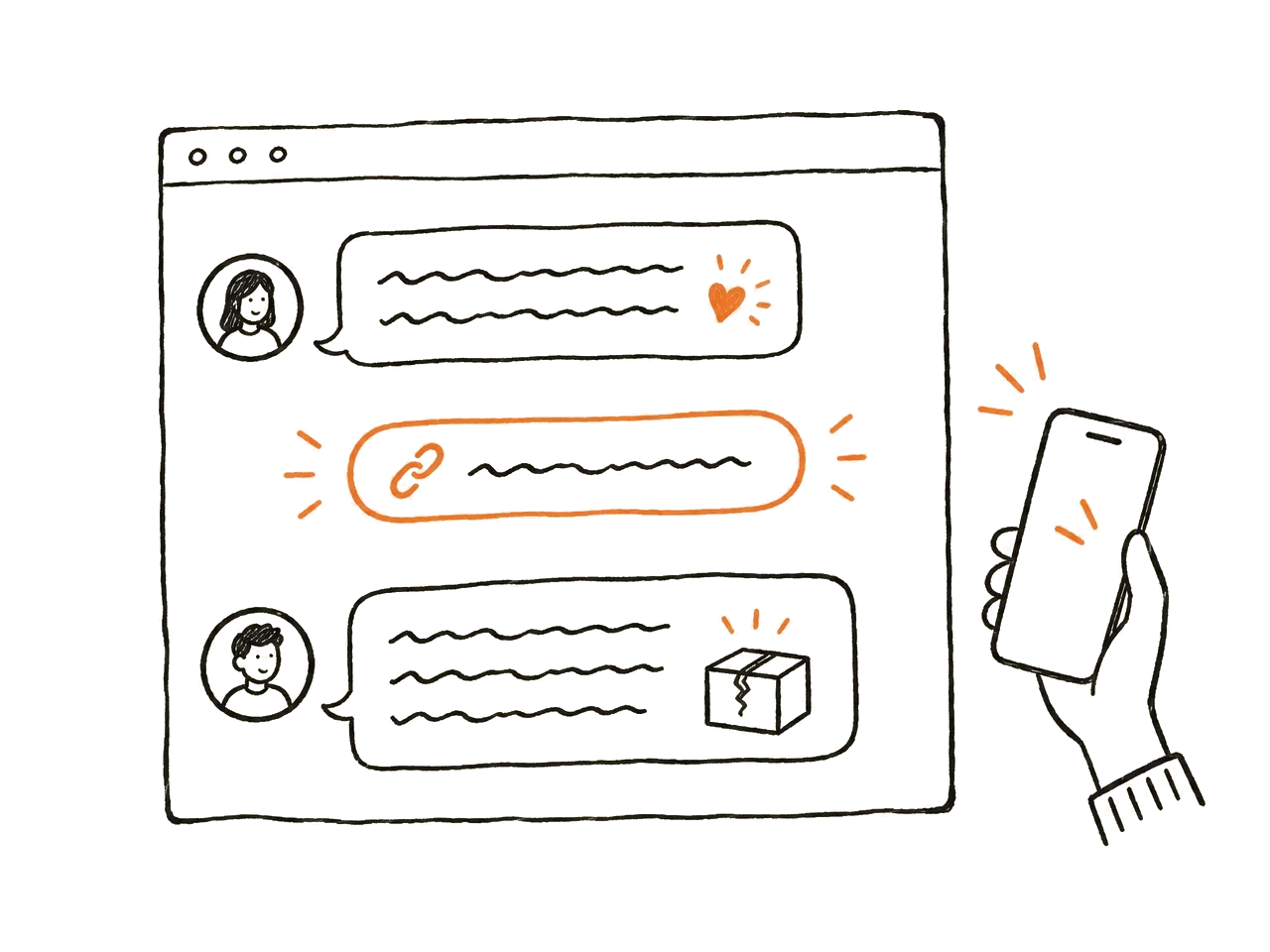
Seconds after the chat closes, the customer gets one short thank-you message in the same Intercom Messenger they just used. It's a new message, so it doesn't reopen the chat and Fin isn't involved. If they've already left, it goes by email, and only to subscribed users.
The link opens a text interview that starts right away. No email gate, no language picker.
The first question refers to their actual issue, so they don't have to explain it again. Then up to 3 short follow-ups, based on what they say. It takes about a minute, maybe a bit more.
This is not a satisfaction score, and it is not a dashboard of AI agent metrics. You probably have those already.
It adds what they can't give you: new, firsthand reasons from real customers, in short conversations that follow up on what each person says.
Reporting stays plain: you see how many invites were sent, clicked, started and completed.
It fits best for B2C SaaS, fintech, ecommerce and digital services teams already running Fin or another AI agent on Intercom.
We are running the pilot with a small number of teams.
The pilot is paid. We set the scope and price with each team.
Frequent questions
Connect the Usercall app to your Intercom workspace and you land in Usercall. Answer one question, pick how chats are chosen, and click Start. No Intercom Workflow, snippet or setup needed.
It's built not to. By default there are 20 invites a week, and each customer is asked at most once every 30 days. They get one message and no follow-up. Sensitive chats are always skipped, and nothing is sent until you click Start.
No. The invite is a new message, sent in the Messenger seconds after the chat closes. It doesn't reopen the conversation and Fin isn't part of it. If the customer has left, it goes by email, but only to subscribed users.
Only the customer's first message, trimmed, and a few structured fields: outcome, CSAT, Fin state and tags. No chat transcript is stored. Your interview data lives in your Usercall workspace, and you own and manage it. Access tokens are encrypted, and you can disconnect anytime.
For now, each interview runs in your study's language.