
Text Analysis Software for Research and CX Teams (2026)
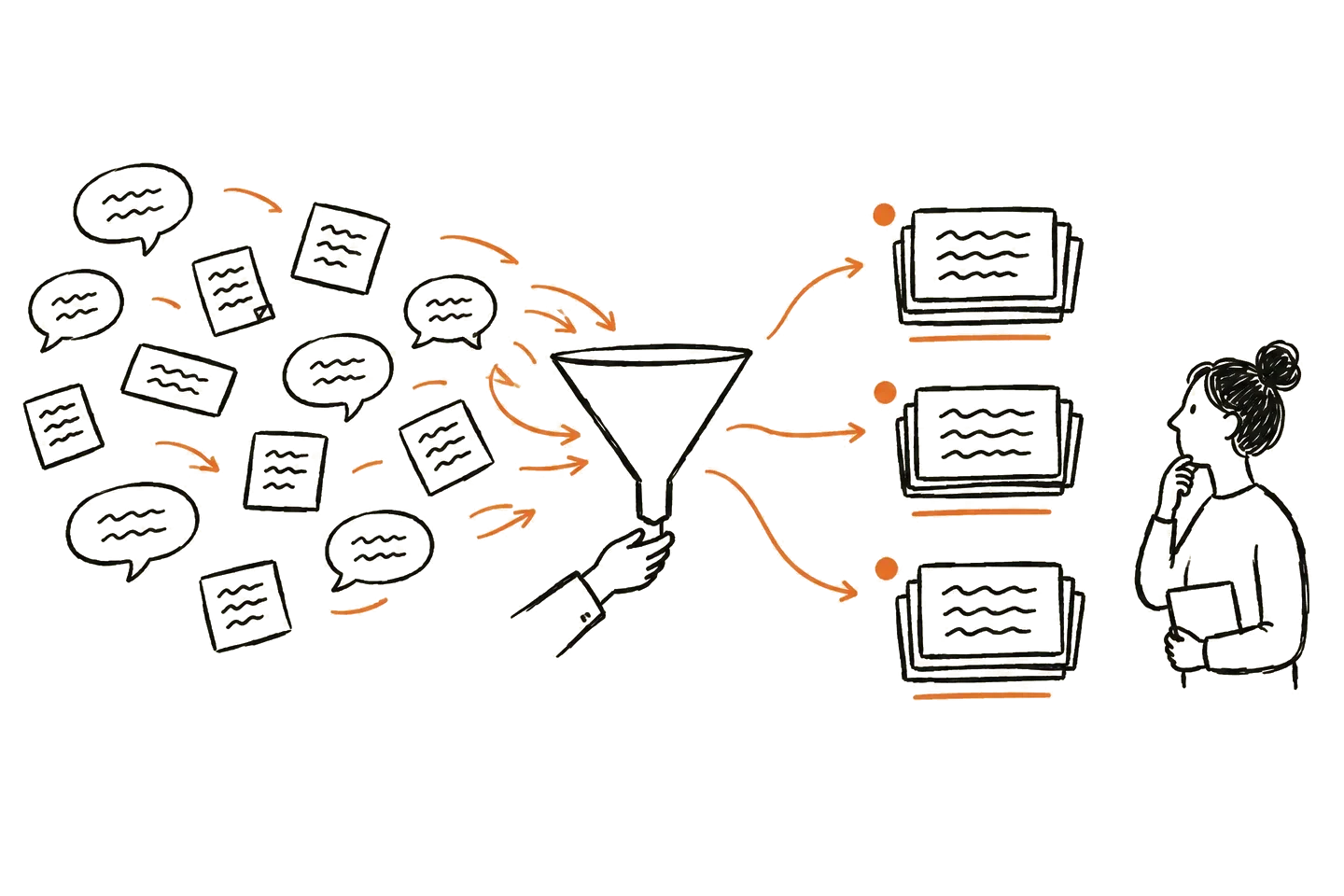
Short answer: Text analysis software turns large amounts of open text, like survey answers, reviews, support tickets, and interview transcripts, into themes you can count and act on. For research and CX teams, the right tool depends on two things: how much text you have, and whether you need to trace each theme back to what people actually said.
This guide is for research, insights, and CX teams working with customer data. It is not about literary or academic text mining.
What text analysis software does
Most tools in this category do the same core jobs:
- Theme detection. Group similar comments into themes, so you do not read every row.
- Coding. Apply a codebook to each comment or transcript segment, either one the tool suggests or one you bring.
- Sentiment. Mark whether a comment is positive, negative, or mixed.
- Quotes and evidence. Show the comments behind each theme, so you can check it and use it in a report.
- Trends and segments. Compare themes over time or across groups, such as plans, markets, or NPS scores.
Two kinds of text, two kinds of tools
High-volume feedback. Thousands of survey comments, reviews, or tickets a month. You need dashboards, trends, and integrations. Tools built for CX analytics fit here.
Research data. Interview transcripts, focus groups, and open-ended answers from a study. Volumes are smaller, but each document is long and context matters. You need careful coding, a codebook you control, and quotes you can defend.
Many teams have both. Pick the tool for the job you do most often.
What to look for
- Evidence. Can you open every theme and see the exact quotes behind it?
- Control. Can you bring your own codebook, rename and merge themes, and challenge the AI's first pass?
- Data fit. Does it take what you have: CSV and Excel exports, transcripts, ticket data?
- Languages. Can it code text in the languages your customers use?
- Minimum volume. Some tools need thousands of rows to work well. Others work on a single study.
- Price model. Monthly self-serve plans and annual contracts suit very different teams.
Text analysis tools for research and CX teams
Prices and plan details were checked on each vendor's own site on October 12, 2026. They change, so check before you buy.
1. Usercall
Best for: research and insights teams analyzing interview transcripts, focus groups, and open-ended survey answers, who want every theme tied to quotes.
Upload transcripts, open-ended items as CSV or Excel, or the codebook you already use. Usercall drafts codes and themes against your research question or your codebook, and links each theme to the participant's words. You keep the codebook and the final call. It codes text in 25+ languages and lets you compare themes across participant groups. If you also need new data, the same workspace runs AI-moderated interviews.
Pricing: plans start at $89 a month (the Lite plan, about 8 to 16 files analyzed a month). Core is $199 a month and Pro is $399 a month. You can start free. See pricing.
Not the best fit: very high-volume ticket and review streams that need live CX dashboards and many integrations. A dedicated CX analytics tool fits that better.
2. Thematic
Best for: CX teams with large, ongoing feedback streams from surveys, reviews, chats, and tickets.
Thematic finds themes and sentiment across feedback sources, with dashboards and integrations. Its pricing page says it works best with at least 2,000 rows of verbatims.
Pricing: the Foundation plan is $25,000 a year, for up to 25,000 comments and up to 3 datasets. Enterprise is a custom proposal. See our Thematic comparison.
3. Kapiche
Best for: CX and insights teams that want feedback analytics without building their own taxonomy.
Kapiche analyzes customer feedback to find themes and drivers across sources.
Pricing: the Bronze plan starts from $2k a month, per Kapiche's pricing page. Higher tiers are on request.
4. Caplena
Best for: market research agencies and brand-side insights teams coding open-ended survey answers at scale.
Caplena has separate plans for brand-side teams, enterprises, and market research agencies, with credits per year.
Pricing: no public prices. All plans are booked through a call.
5. Displayr
Best for: survey analysts who want AI text coding next to crosstabs, statistics, and reporting in one tool.
Displayr is a survey analysis and reporting platform that includes AI text analysis.
Pricing: a free plan with limited analysis. Professional is from $3,359 per user per year, and Enterprise from $4,199 per user per year, billed annually. A 14-day free trial is available.
6. Dovetail
Best for: product and research teams that want a research repository for calls, documents, and surveys.
Dovetail organizes customer calls, recordings, documents, and surveys into projects, with AI analysis and chat over your data.
Pricing: a free plan at $0. Enterprise is custom pricing through sales.
Text analysis software vs QDA software
Qualitative data analysis (QDA) software, like NVivo, ATLAS.ti, and MAXQDA, is built for researchers who code by hand, often for academic work. It is thorough, but slow on large datasets. Text analysis software leans on AI to do the first pass at scale. For a deeper look at the coding tools, see our guide to the top qualitative data analysis software.
A simple workflow for open-ended data
- Start with the question. What decision will the themes inform?
- Clean the export. One comment per row, with the fields you want to compare by, like plan, market, or score.
- Let the AI draft the first pass. Then merge, rename, and split themes until they match how your team thinks.
- Check the evidence. Open the quotes behind each top theme. Drop any theme you cannot defend.
- Compare groups. Look at how themes differ between segments. That is usually where the decision is.
For a step-by-step guide, see how to analyze open-ended survey responses, or start from the open-ended survey analysis template. For interview data, see analyzing user interview transcripts.
Frequently asked questions
What is text analysis software?
It is software that reads open text, like survey answers, reviews, tickets, and transcripts, and groups it into themes, codes, and sentiment, so you do not have to read every comment by hand.
What is the best text analysis software for interview transcripts?
Pick a tool built for long documents and research coding, where you control the codebook and can see the quotes behind each theme. Usercall is built for this. High-volume CX tools are usually tuned for short comments instead.
Can AI text analysis replace manual coding?
It can do the first pass much faster. You should still review the themes, check the quotes, and make the final call. Good tools make that review easy.
How much does text analysis software cost?
It ranges widely. Some tools have free plans or monthly self-serve plans, like Usercall from $89 a month. CX analytics platforms often sell annual contracts, such as Thematic's Foundation plan at $25,000 a year.
Is text mining the same as text analysis?
They overlap. Text mining usually means pulling patterns and statistics out of large text collections. Text analysis, for research and CX teams, usually means finding themes and reasons you can act on.