
AI User Testing: What It Is and How to Do It Well
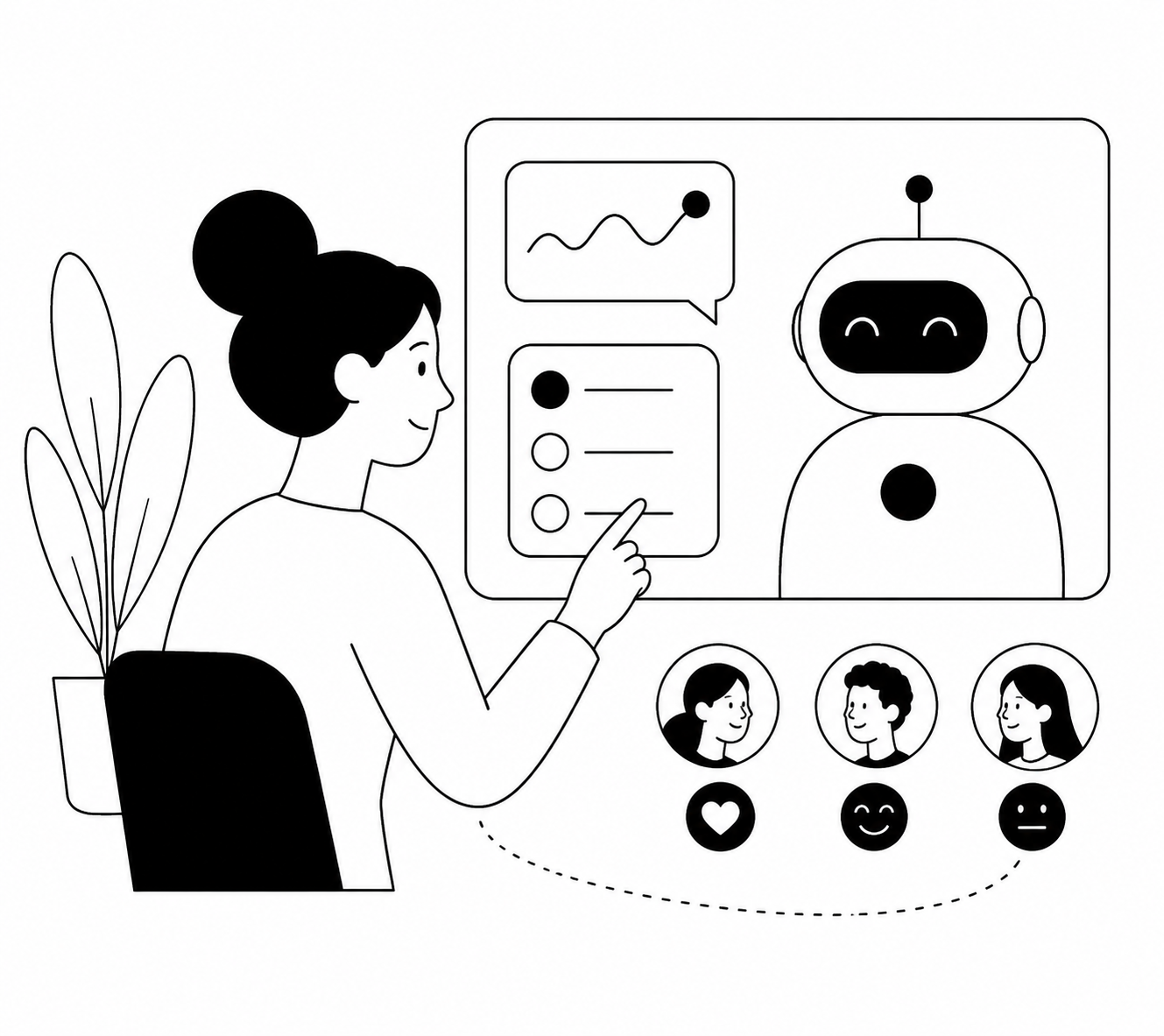
After more than 10 years of usability studies, I have learned that speed is rarely the real bottleneck. The bottleneck is deciding whether a participant’s hesitation reflects a broken interface, a bad task, missing context, or a researcher who asked the wrong follow-up—AI user testing only helps when it preserves that diagnostic work.
Why Fast, Fully Automated Usability Testing Fails
The common pitch is seductive: upload a prototype, recruit 50 people, let AI summarize the recordings, and receive a prioritized backlog by Friday. That workflow produces activity quickly, but it often turns shallow behavior into false certainty.
Most automated tests fail because they treat user testing as a transcript-processing problem. It is not. Usability research is a judgment problem: I need to know whether a user abandoned a task because they missed a label, distrusted the claim, lacked the right data, or simply did not care enough to continue.
I saw this with a 14-person fintech product team testing a small-business cash-flow dashboard. Their unmoderated platform flagged “confusing navigation” as the top issue after 32 sessions; when I reviewed the sessions, 19 participants had actually understood the navigation but stopped because they thought connecting a bank account would trigger a hard credit check.
The team had spent two weeks debating menu labels while the real problem was a missing reassurance message at the point of account connection. AI can detect patterns, but it cannot reliably explain a pattern unless the study creates room to probe it.
Another failure is confusing volume with validity. A polished AI summary can make five weak sessions sound more trustworthy than they are, especially when participants are poorly screened, tasks are leading, or the prototype cannot support the behavior being measured.
AI User Testing Works When AI Has a Defined Research Job
AI user testing means using artificial intelligence to recruit, moderate, observe, synthesize, or route follow-up research in a usability study. Those jobs are not interchangeable, and teams get better results when they choose one deliberately rather than buying a tool that claims to do all of them.
I divide the work into three layers. First, capture what users do and say; second, identify repeated behaviors and language; third, interpret what those patterns mean for a product decision. AI is excellent at the first two layers and useful—but never fully autonomous—at the third.
AI has a different value at each stage of a usability study
The best use case is not “replace the researcher.” It is remove the repetitive operational work so the researcher can spend more time on evidence, exceptions, and decisions.
Design the Study Around Decisions, Not Around the AI Tool
Start with a decision that has consequences. “Learn what users think of the onboarding” is not a research objective; “decide whether to require workspace setup before showing the first report” is one. The narrower question changes what task you give, who you recruit, and which behaviors count as evidence.
For a B2B workflow, I usually write one primary decision, two competing explanations, and one disconfirming signal before I build the study. If the team believes users abandon setup because it has too many fields, the disconfirming signal might be users completing the form but refusing to invite teammates because they do not yet trust the product.
Build an AI user testing study in this order
I used this approach with an eight-person SaaS team launching a pricing-calculator flow for IT administrators. We had only nine qualified participants available before a board demo, and the prototype’s integrations page was incomplete; rather than asking whether the prototype was “easy to use,” we tested whether administrators could determine annual cost without asking sales for help.
Seven participants completed the calculation, but five paused at the employee-count field and assumed contractors were excluded. The team added a single inline definition, reduced sales-chat requests in the beta, and avoided rebuilding a calculator that was fundamentally working. A small study can support a strong decision when the task is precise and the evidence is inspected.
Use AI Moderation for the Moments Where Metrics Cannot Explain Behavior
Analytics tells me where users drop. It almost never tells me why they believed dropping was the sensible choice. That gap is where AI-moderated user testing earns its place, particularly when an event suggests friction but the team cannot afford to schedule 20 live interviews.
Suppose 38% of trial users reach an import screen and only 11% upload a file. Session replay may show repeated clicks on “Choose file,” but it cannot distinguish a file-format problem from a privacy concern, an unclear value proposition, or users postponing work until they have cleaner data.
I recommend placing a lightweight intercept immediately after a meaningful analytic moment: repeated failed attempts, an unexpected exit, a downgrade, a feature abandonment, or a high-intent conversion. Usercall can intercept users at those moments and run an AI-moderated conversation while the decision is still fresh, giving the team the qualitative “why” behind the metric rather than a survey answer detached from context.
Do not intercept everyone. Target a behaviorally coherent segment, cap frequency, and keep the first question anchored in what just happened: “What were you trying to accomplish when you decided not to import a file?” That question is far better than “How would you rate your experience?” because it asks for the user’s goal before asking for an evaluation.
Behavior-triggered interviews turn research from a periodic ceremony into a product feedback system. They are especially valuable for product growth teams that have enough event data to identify a problem but not enough explanation to choose a fix.
AI Analysis Should Accelerate Skepticism, Not Replace It
AI-generated themes are hypotheses, not findings. I have watched teams accept a theme such as “users want more customization” because the phrase appeared frequently, only to discover that users actually wanted confidence that the default configuration matched their job.
Frequency matters, but severity, segment concentration, and decision impact matter more. A problem affecting 60% of novice users may deserve immediate work; a problem affecting 20% of enterprise administrators may matter more if those administrators control six-figure contracts.
When I analyze AI user testing results, I require a traceable chain from recommendation to evidence: the behavior observed, the user’s explanation, the participant segment, and the relevant clip or transcript excerpt. If the chain is missing, the recommendation is a plausible story—not research.
AI is particularly good at finding contradictions that a rushed researcher might miss. One participant may say a workflow is simple while their recording shows six minutes of backtracking; another may complain about complexity while completing the task in 40 seconds. Those mismatches are often the richest evidence because they reveal the difference between usability, confidence, and preference.
The Best AI User Testing Program Makes Better Decisions Faster, Not More Reports
AI user testing is worth adopting when it shortens the path from observed behavior to an accountable product decision. It is not worth adopting if it merely produces more transcripts, more sentiment labels, and more generic “insights” than a team can act on.
My standard is blunt: if nobody can name the decision a study will influence, do not run it. If a team can name the decision, use AI to expand coverage, probe relevant moments, and synthesize evidence—but keep a researcher responsible for what the evidence means.
The strongest programs combine AI-moderated depth with deliberate sampling and rigorous review. They do not worship the old five-user rule, and they do not assume 100 automated sessions are inherently better; they choose the sample and method that fit the uncertainty at hand.
Use AI to make qualitative research more continuous and more rigorous—not less human. That is how a usability study becomes a source of product advantage rather than another dashboard no one revisits.
Run the week on concept testing: 15 to 30 AI-moderated interviews, with quotes back in 48 to 72 hours.
AI can speed up individual testing sessions, but it's not a substitute for a real discovery process that runs continuously. If you want to see how AI-assisted testing fits into a broader system for staying ahead of customer needs, check out our guide on continuous product discovery.
Related: Concept testing questions · Concept testing research · CPG packaging · Concept testing examples
Related: how AI is changing product discovery · user research vs user testing · why most product discovery fails in 2026